

Switch POS systems without slowing your grocery store
Set your launch date on the first call and follow six clear steps to get there. Install takes a few hours, and most stores go live in 4 to 6 weeks.
Switching is the part we make easy.

Implementation
Go live in weeks, with your data checked before the first scan.
Training
Train on your own registers, before launch and after.
Support
Call during the rush and talk to someone who knows grocery.

Know your part before kickoff
Every step shows what our team handles and what your team handles, so nothing surprises you on launch day. Most stores go live in 4 to 6 weeks.
01
Kickoff
One call in week 1
Vori handles
Assign your onboarding team, set your launch date, and build your plan.
You handle
Share how your store runs today and pick a launch date outside your busiest days.
02
Site Survey
Weeks 1 to 2
Vori handles
Verify power, cabling, and internet, then confirm your hardware list.
You handle
Get cabling and dedicated power to each lane and hit 25 Mbps upload and download.
03
Account Setup
1 to 2 weeks
Vori handles
Import your items, prices, departments, and vendors, and build register settings, loyalty, and promotions.
You handle
Send your current item file, vendor list, tax rates, and deposit rules.
04
Data Validation
About 1 week
Vori handles
Run checks on your data and fix what we find.
You handle
Spot-check prices, departments, and taxes, and flag anything that looks off.
05
Training
1 week before launch
Vori handles
Train your managers on the back office and set up your front-end trainers.
You handle
Block time for managers and pick who will train new cashiers.
06
Launch
Launch day
Vori handles
Install hardware and support every lane for the full day, then hand you to our new-store team for 90 days.
You handle
Schedule cashiers for launch day and keep a manager on the floor.
Train before, during, and after launch
Train weeks before launch and keep learning after you open.
1
About 1 week before launch
Set the foundation
Managers learn the back office with our team
Taxes, deposits, and product data confirmed before the first scan
Register settings, loyalty, and promotions ready on day one
2
Launch day
Learn on live lanes
Full-day, hands-on support at every lane
Cashiers practice weighted produce, refunds, split payments, and EBT
Front-end managers learn to train new cashiers
3
After go-live
Keep the team sharp
Live and recorded webinars to revisit anytime
New features explained in the app as they ship
A help center your managers can search
Reach a real team on grocery hours
When the lane stops, a person picks up and helps you fix it.
Support hours
Weekdays
8am to 10pm ET
Weekends
11am to 8pm ET

“I never hesitate to call Vori because I get answers. You do not see that.”
Derek, Owner at Valley Farm Market in Spring Valley, CA
Call a real person
Reach a grocery specialist who can walk your team through the fix.
Chat or email
Send it when it can wait until after the rush and get an answer the same day.
New-store team
Get extra help for your first 90 days from a team that only works with new stores.
Help center
Search guides and recorded webinars your managers can revisit anytime.
Switching Results
What switching looks like in real stores
Install, training, and support results from independent grocers who moved to Vori.
<6 hours
To install Vori at The Market at Edgewood
<1 hour
For a new cashier to get comfortable at The Willows Market
Same day
Answers to support questions at Valley Farm Market
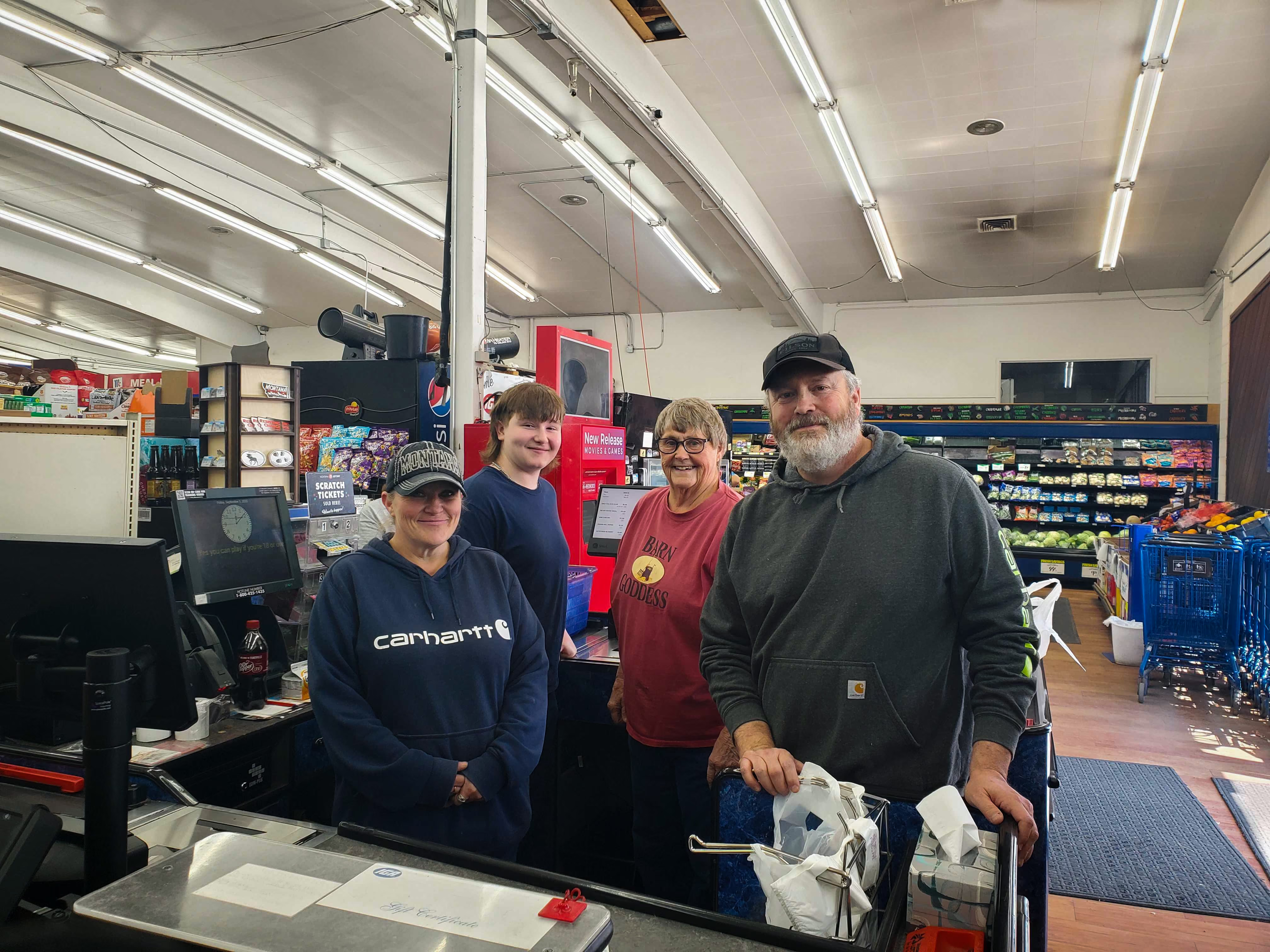
It was the easiest install I’ve ever experienced. We were up and running in a day with EBT, credit cards, and everything working perfectly.
Aaron
Owner
at
Big T IGA
in
Big Timber, MT
See your store's path to protecting margins and growing sales
Book a walkthrough and we will map the six steps to your store.

FAQs
Everything you need to know about Vori. Can’t find the answer you’re looking for? Please chat to our friendly team.