

A walk through everything we built in 2026
35 releases across the register, the sales floor, the back room, and the office. Start at the front door and follow the store to see what changed.

Every release this year started with a walk through a grocer’s store. You showed us where lines back up, where tags fall behind, and where the hours go in the back room. So this recap follows the same path. Here is what we built together, stop by stop.
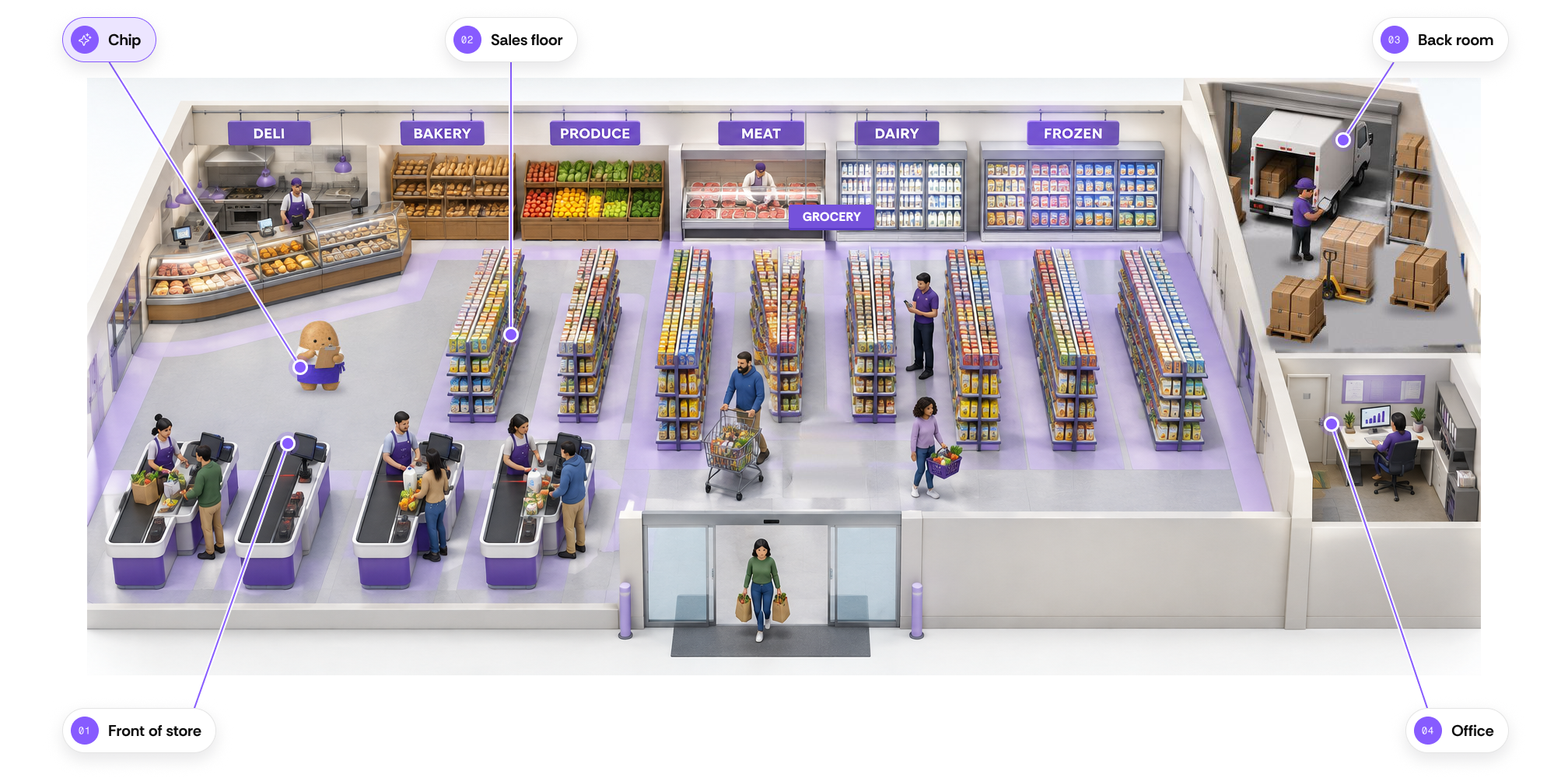
Put Chip to work in every part of your store
Chip is the virtual employee built into Vori. Ask in plain language and Chip plans promotions, answers questions about sales, and preps shelf tags, then waits for your approval.
- ✓Build promotions on your slow movers
- ✓Design shelf tags in your store colors
- ✓Trace any sales dip to the item, vendor, and week
- ✓Add a cashier or set up a product rule for you
Move every shopper through faster
Checkout, payments, loyalty, promotions, and food service all got upgrades this year, so the lane stays quick and shoppers have more reasons to come back.
Run promotions shoppers notice
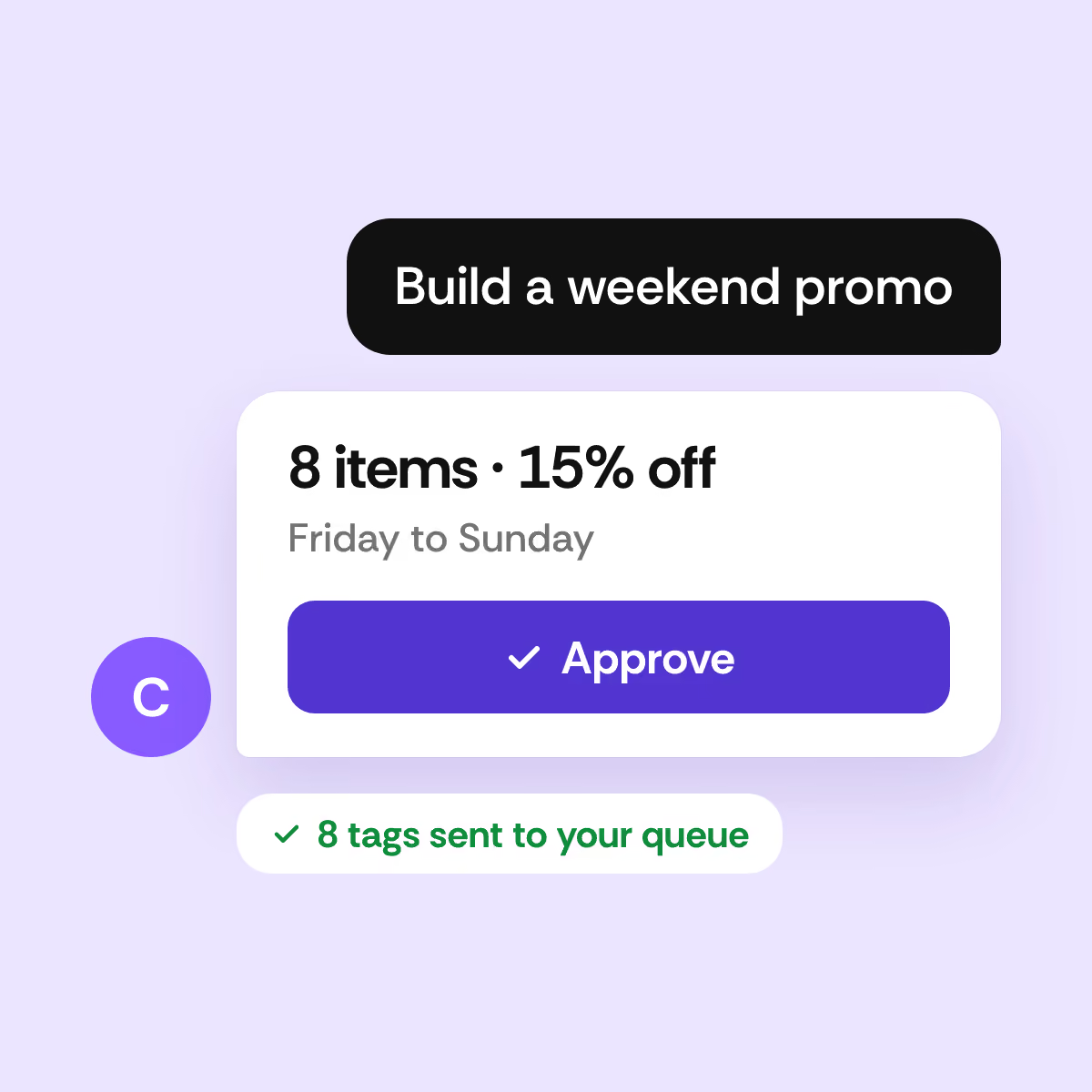
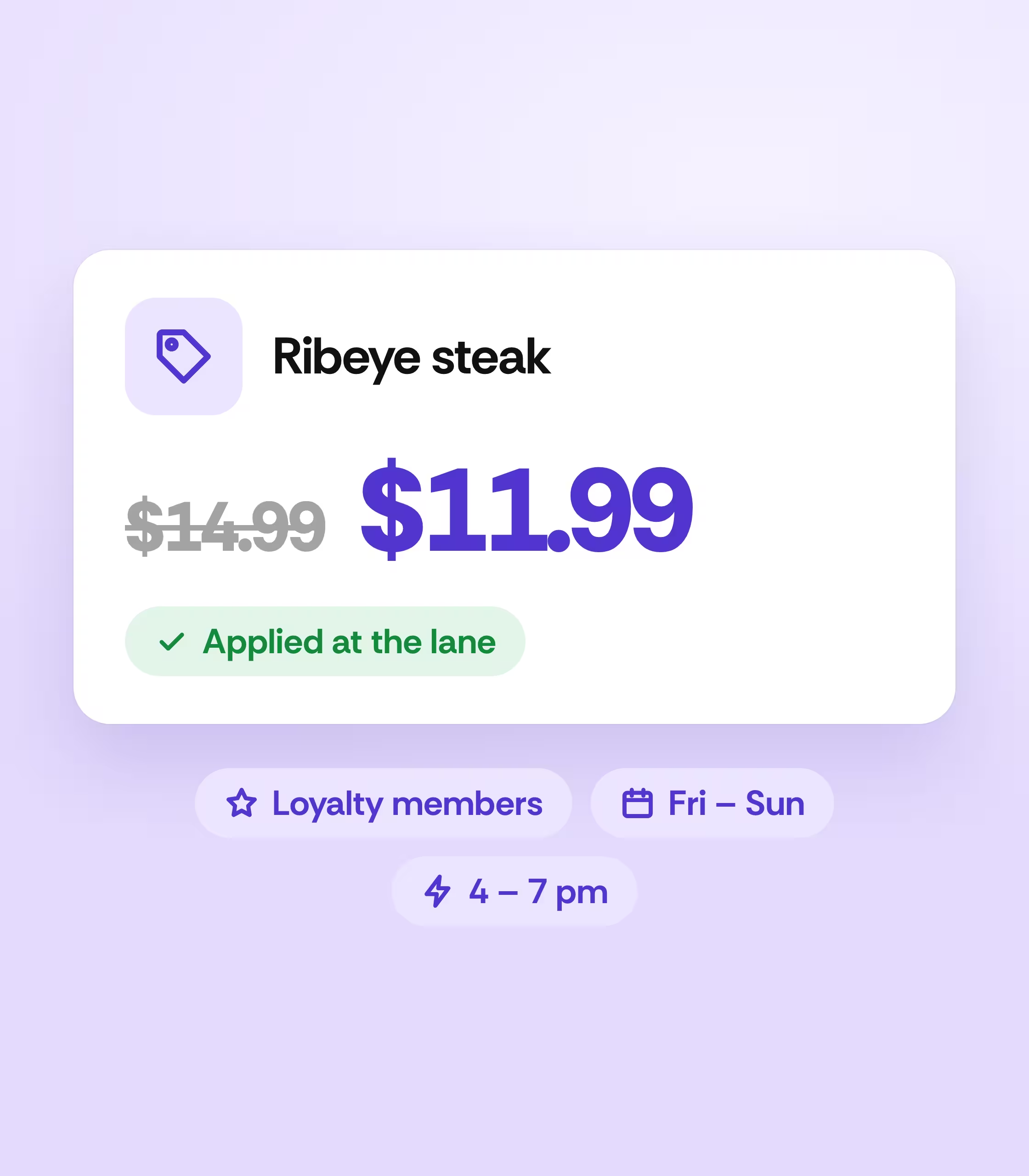
Build promotions from the web or your handheld. Every offer applies automatically at the lane, so cashiers never key in a discount.
- ✓Set conditions like loyalty members, spend, or day of the week
- ✓Create coupons shoppers redeem at the lane
- ✓Promote a whole product group in one step
- ✓Run deals during set hours each day
Run your food counter on its own register
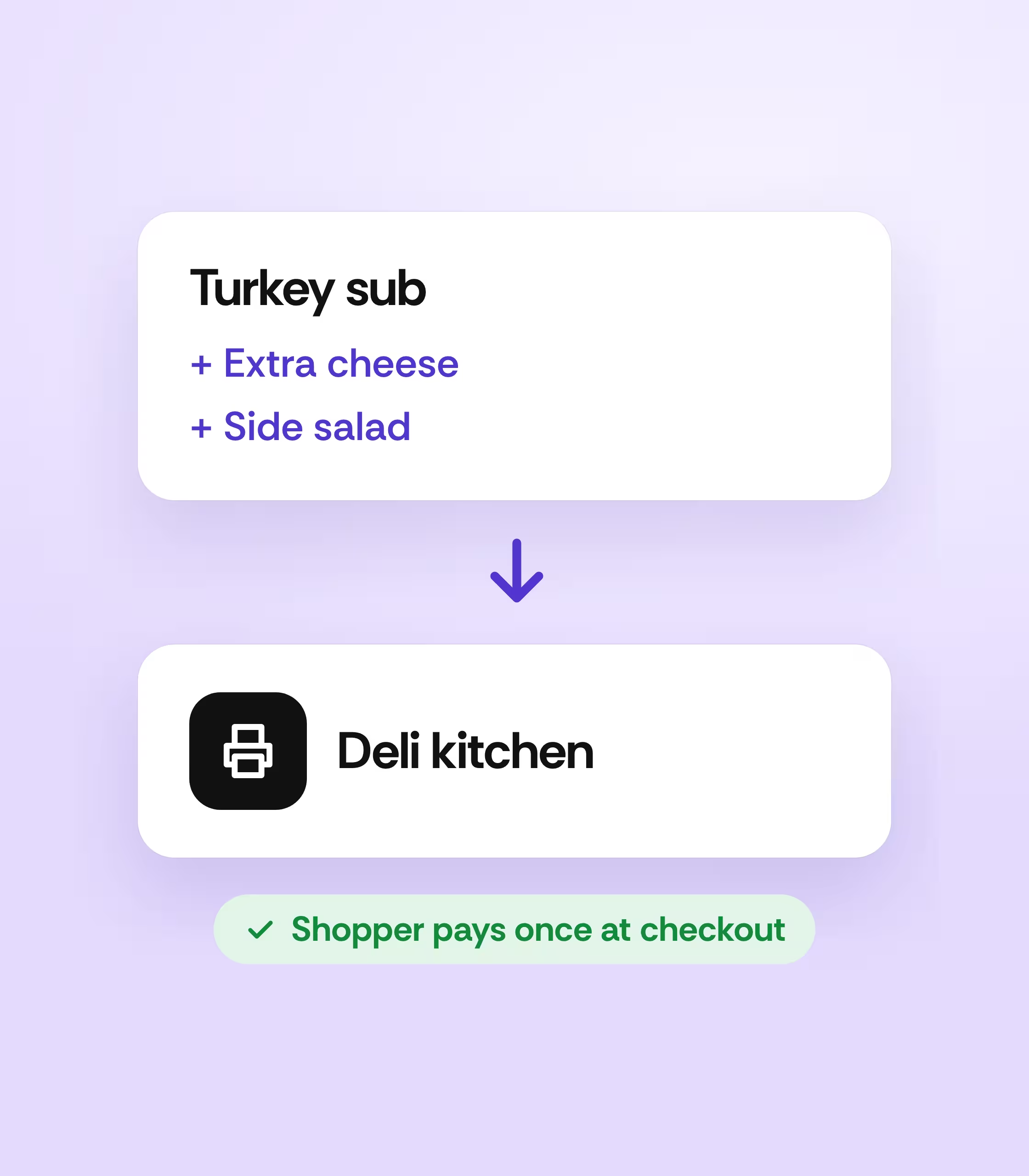
Add a Vori POS to your deli or hot food counter and keep every order moving from the counter to the kitchen.
- ✓Take orders fast with modifiers like extra cheese or a side
- ✓Route tickets to the right kitchen printer by department
- ✓Stop duplicate orders from reaching the kitchen
- ✓Send orders to checkout so shoppers pay once
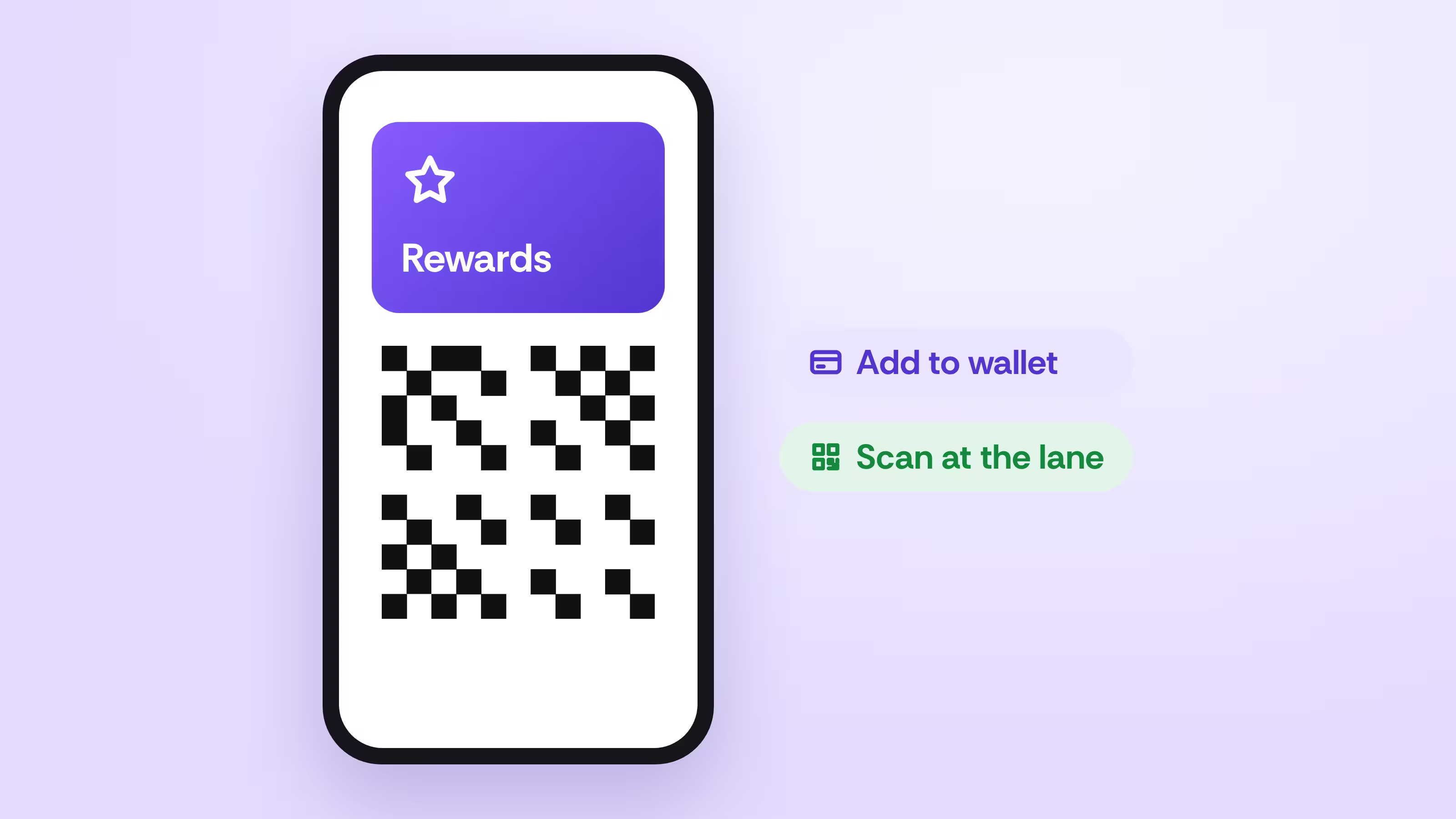
Make rewards sign-in effortless
Shoppers add your rewards card to their phone wallet or scan a QR code at the lane.
See how it works →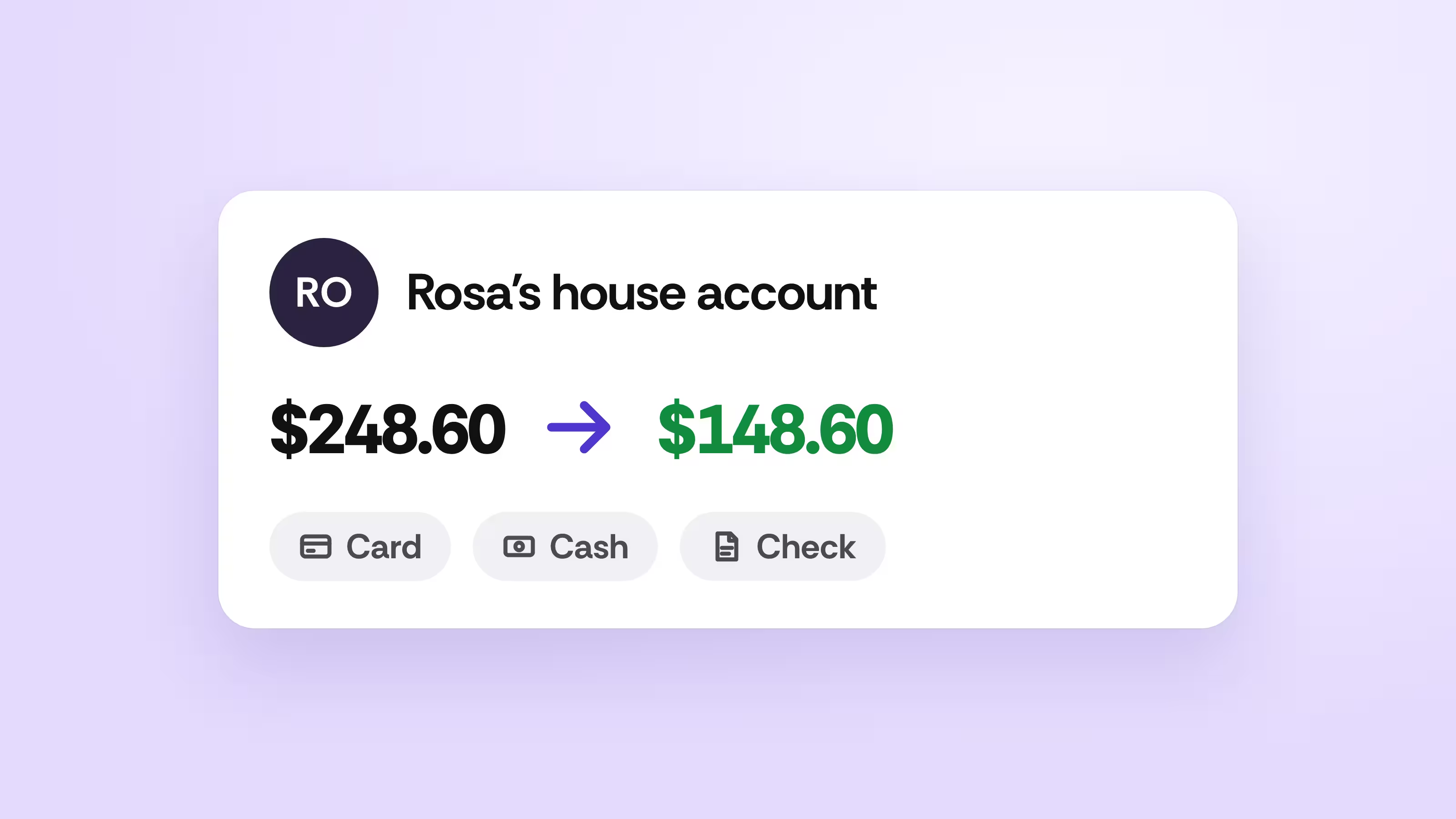
Collect house account payments at the lane
Regulars pay down their balance by card, cash, or check during any visit.
See how it works →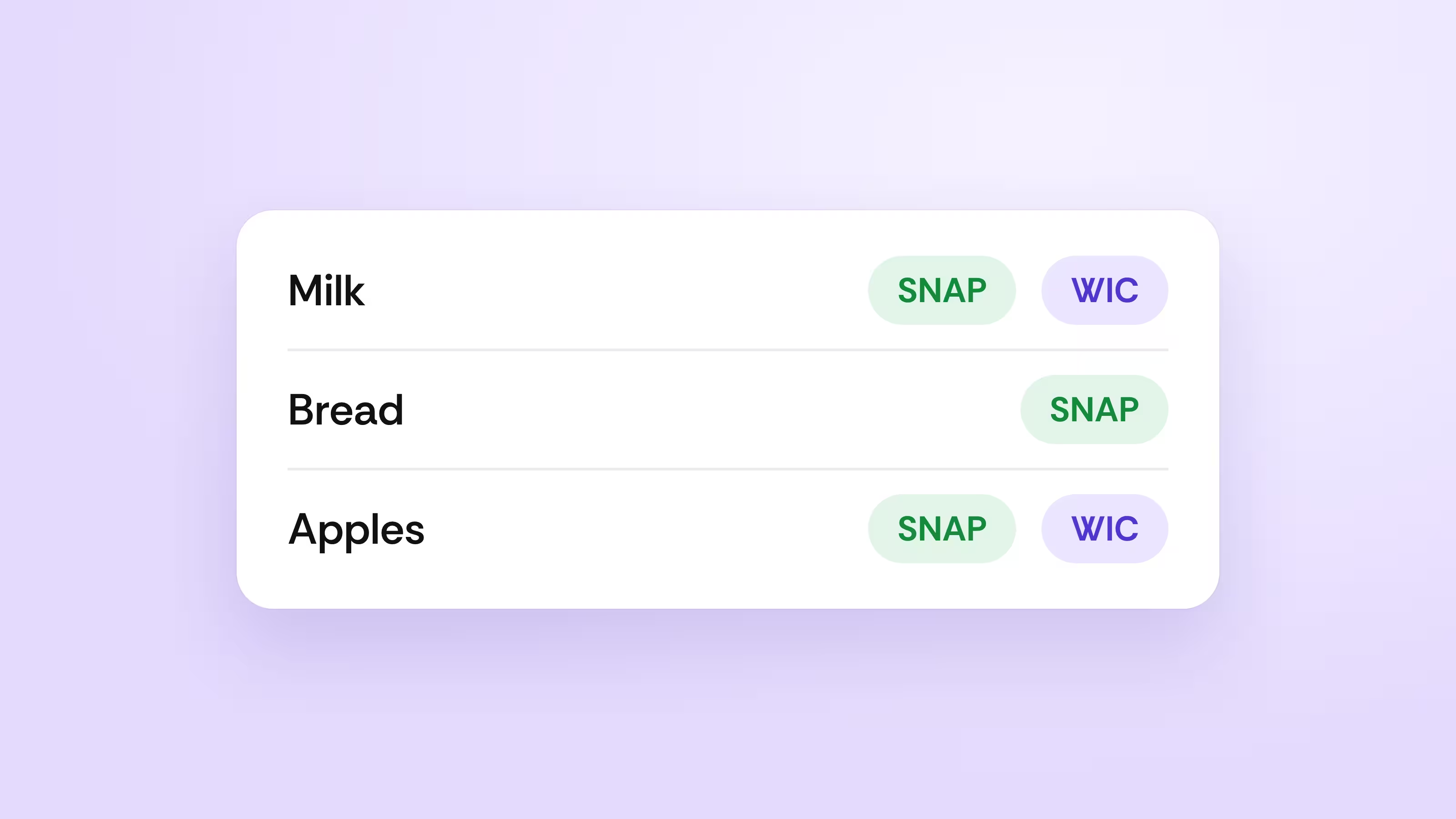
Show SNAP and WIC at a glance
Cashiers see badges on every eligible item, and managers approve SNAP items on the spot.
See how it works →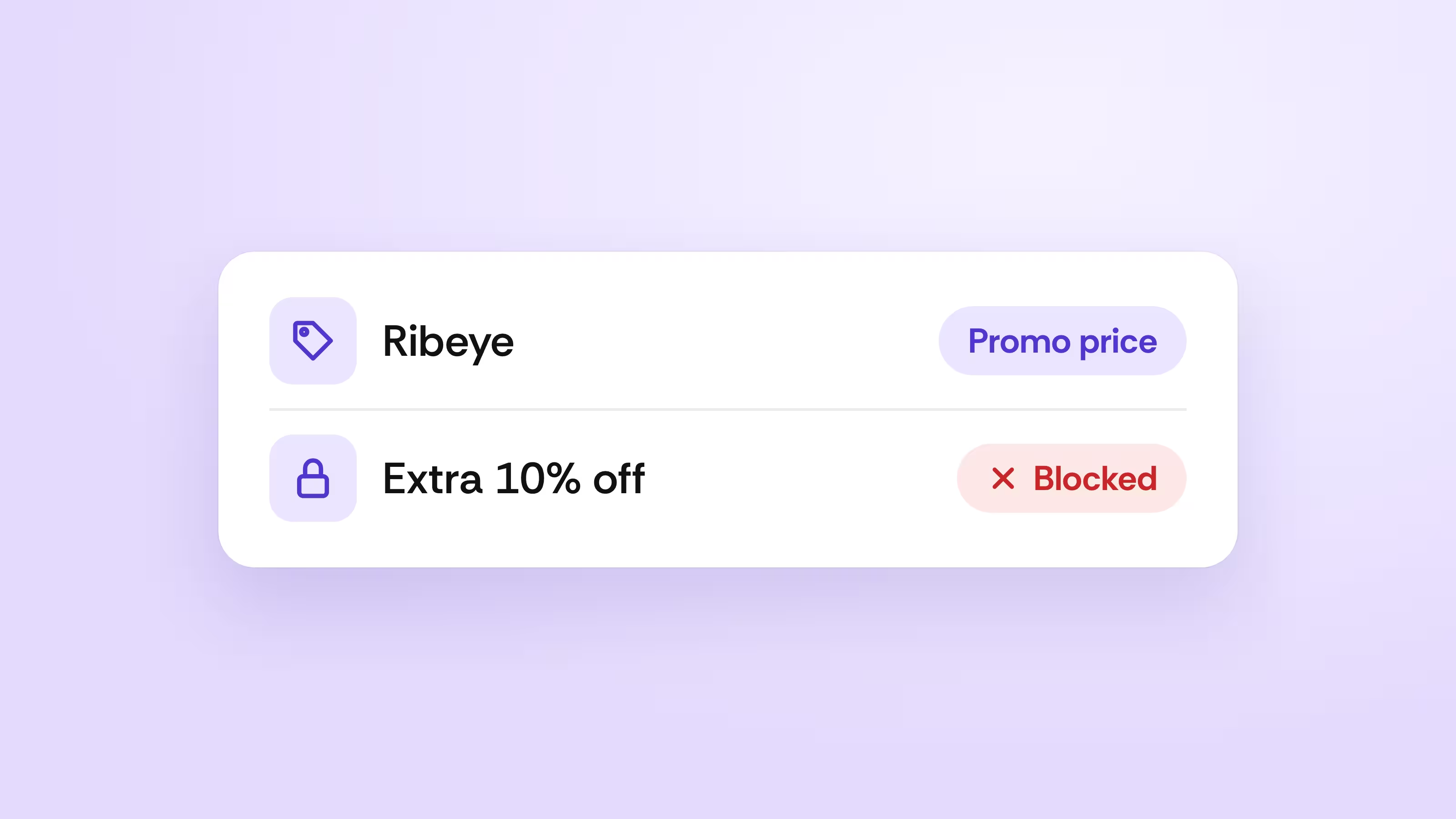
Keep discounts where they belong
Choose which items can be discounted and block extra discounts on promo items.
See how it works →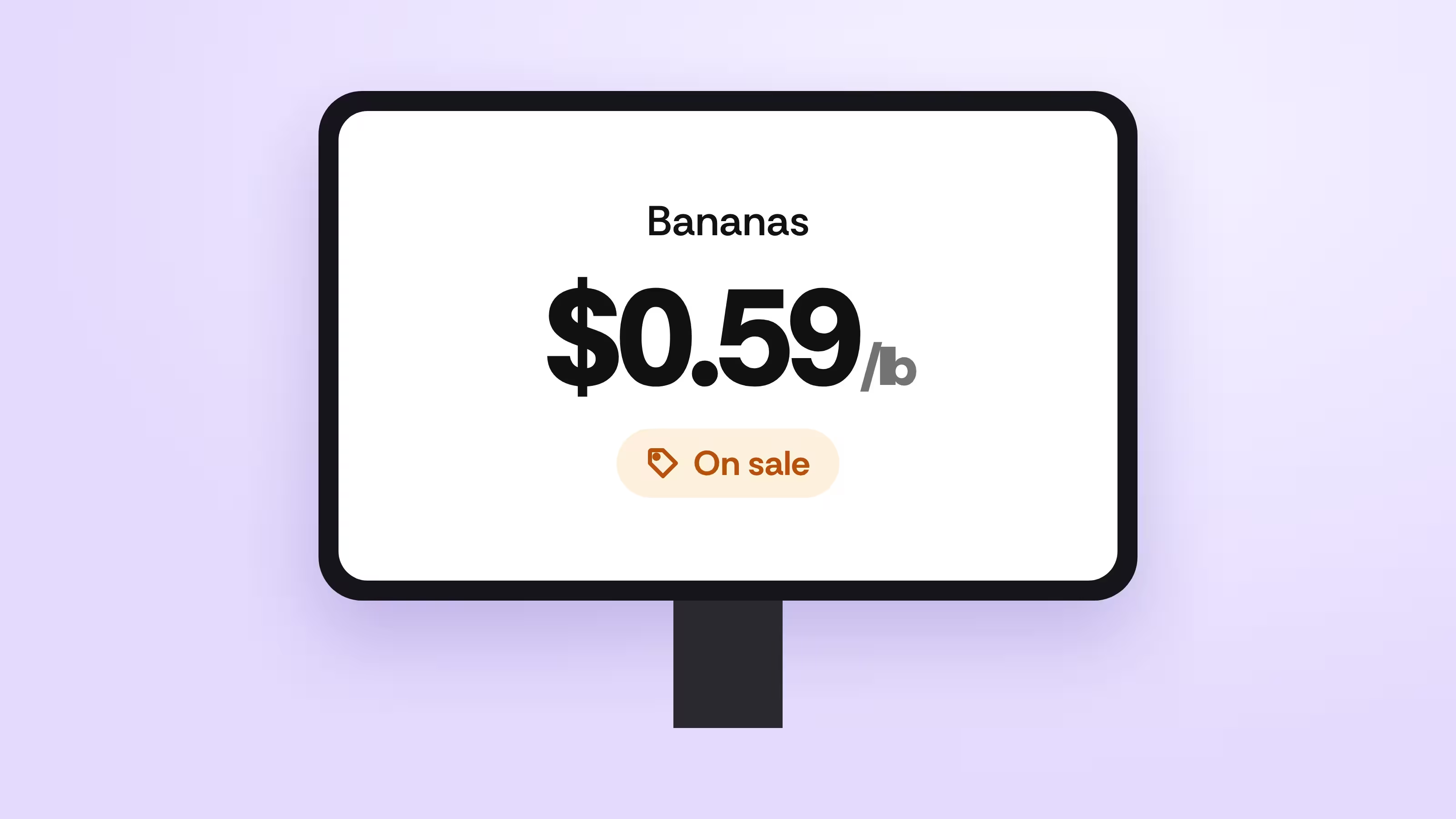
Let shoppers check prices themselves
Put a price checker in the aisle that shows the current price and any promotion.
See how it works →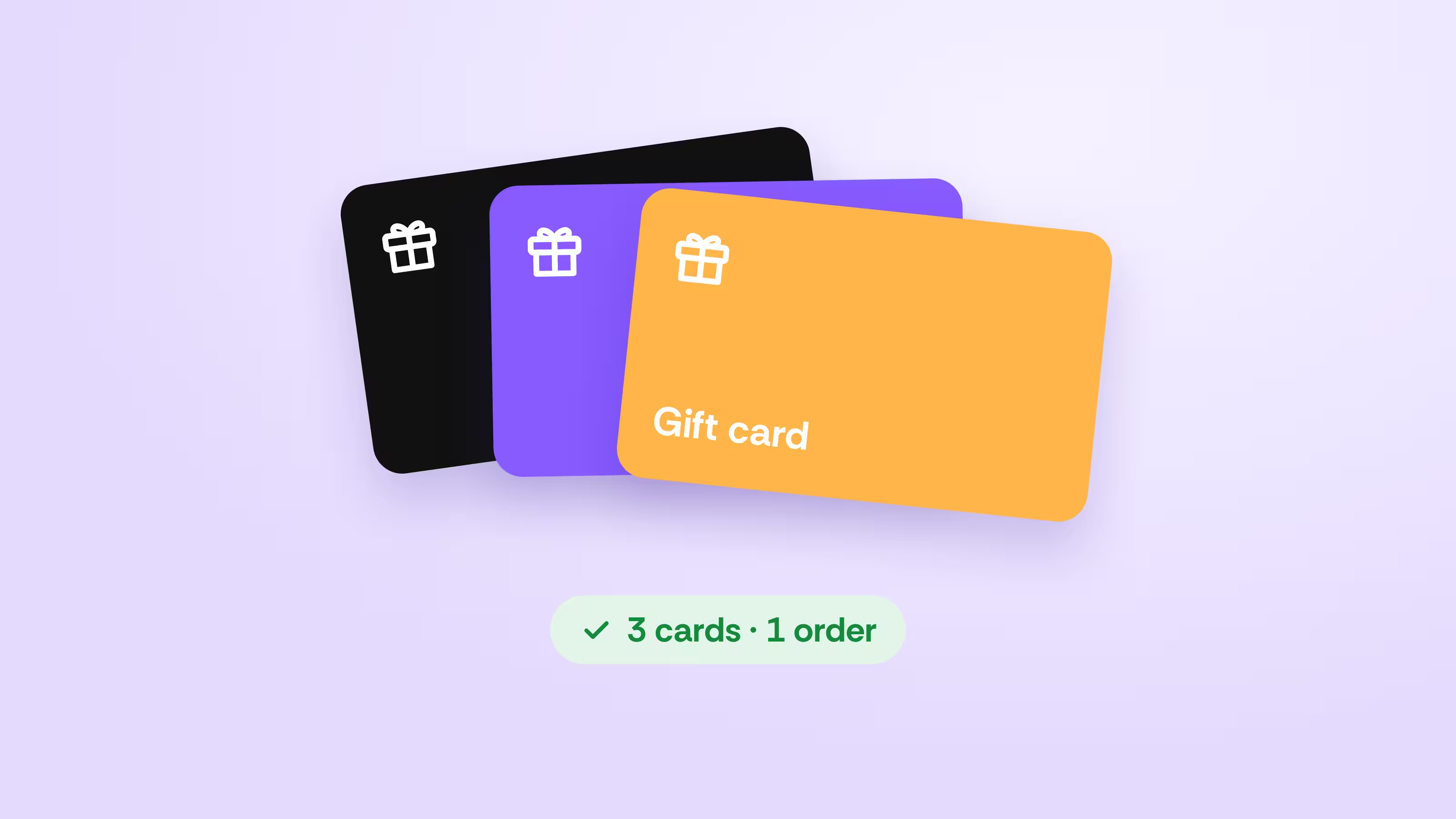
Take every gift card shoppers bring
Accept several gift cards on one order and look up any card by swipe or barcode.
See how it works →
Tag shoppers for better offers
Group shoppers at the lane for targeted rewards and messages.
See how it works →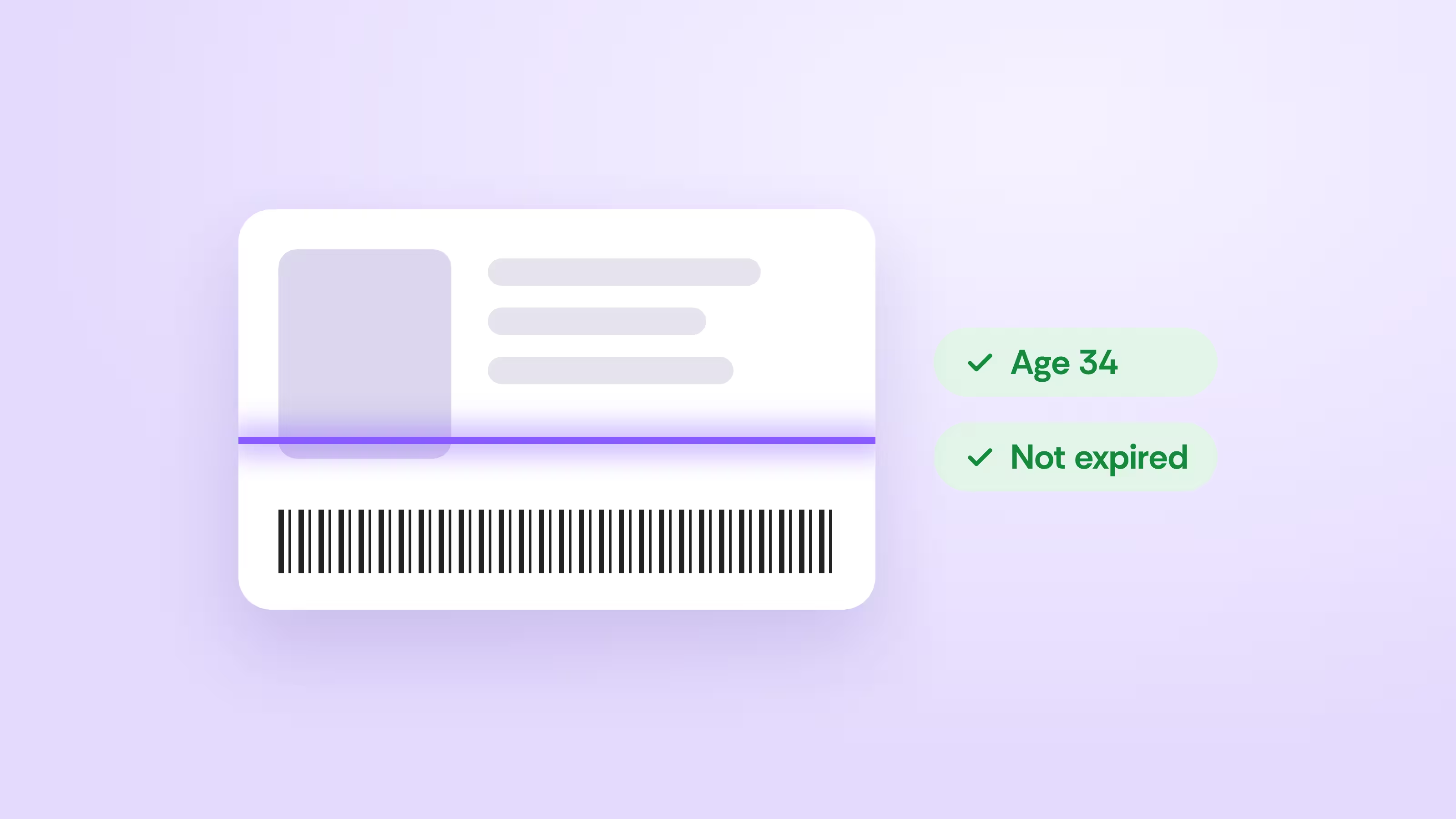
Check IDs with a single scan
Scan a driver’s license to read birth date and expiration automatically.
See how it works →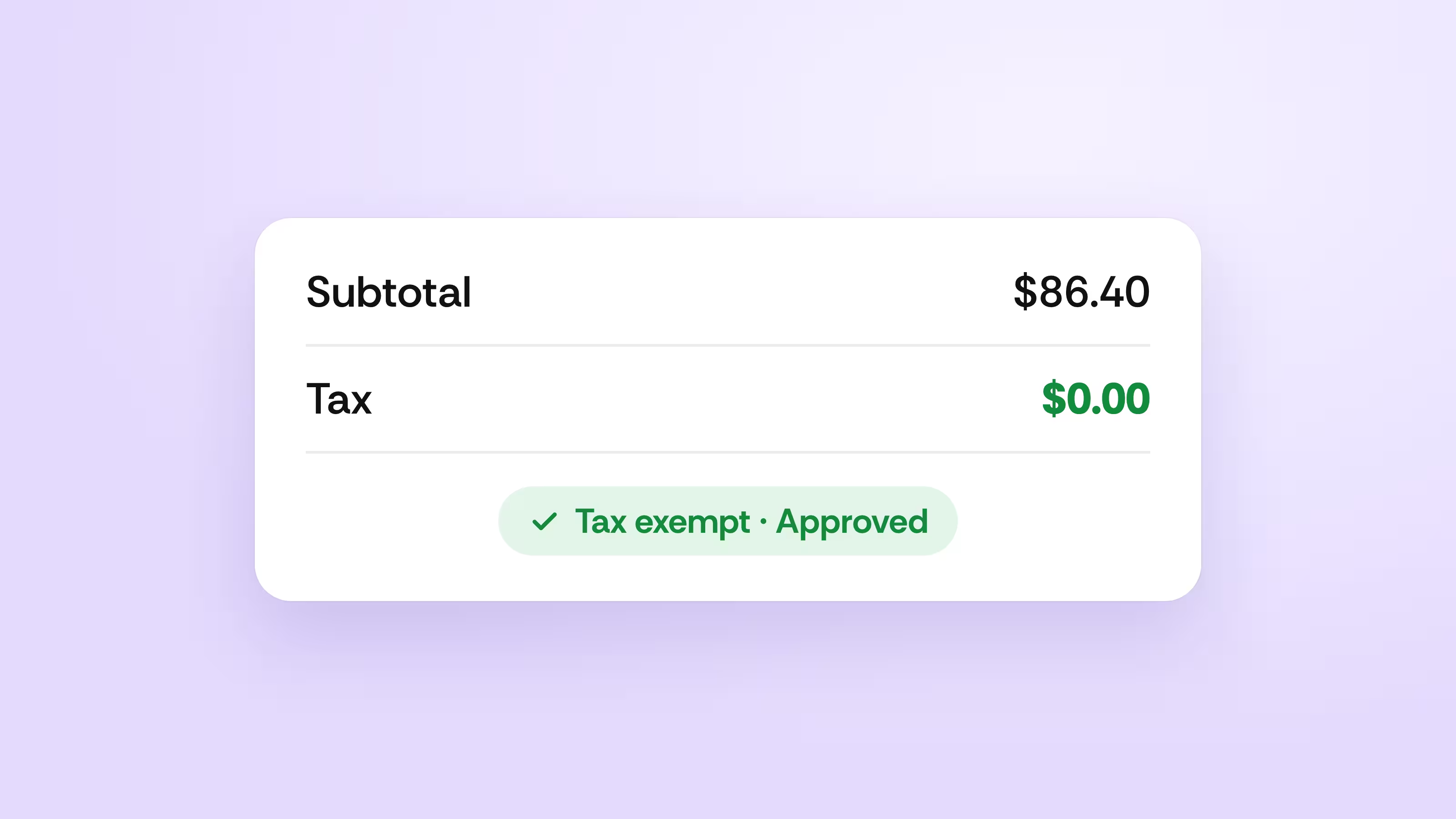
Ring tax-exempt sales in seconds
Mark a sale tax exempt with a reason and manager approval at the register.
See how it works →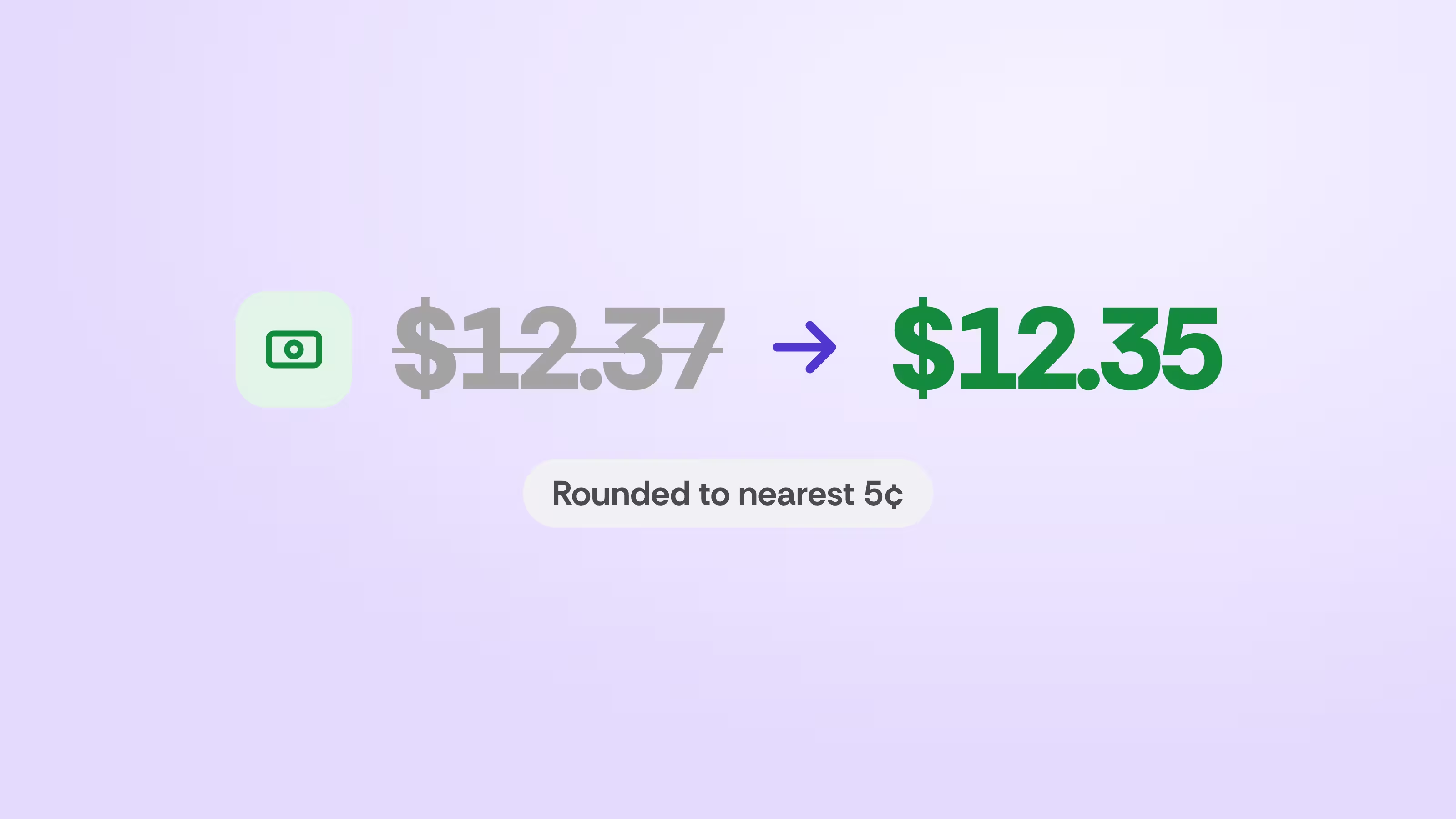
Round cash totals when pennies run out
Vori rounds cash payments to the nearest five cents and shows it on the receipt.
See how it works →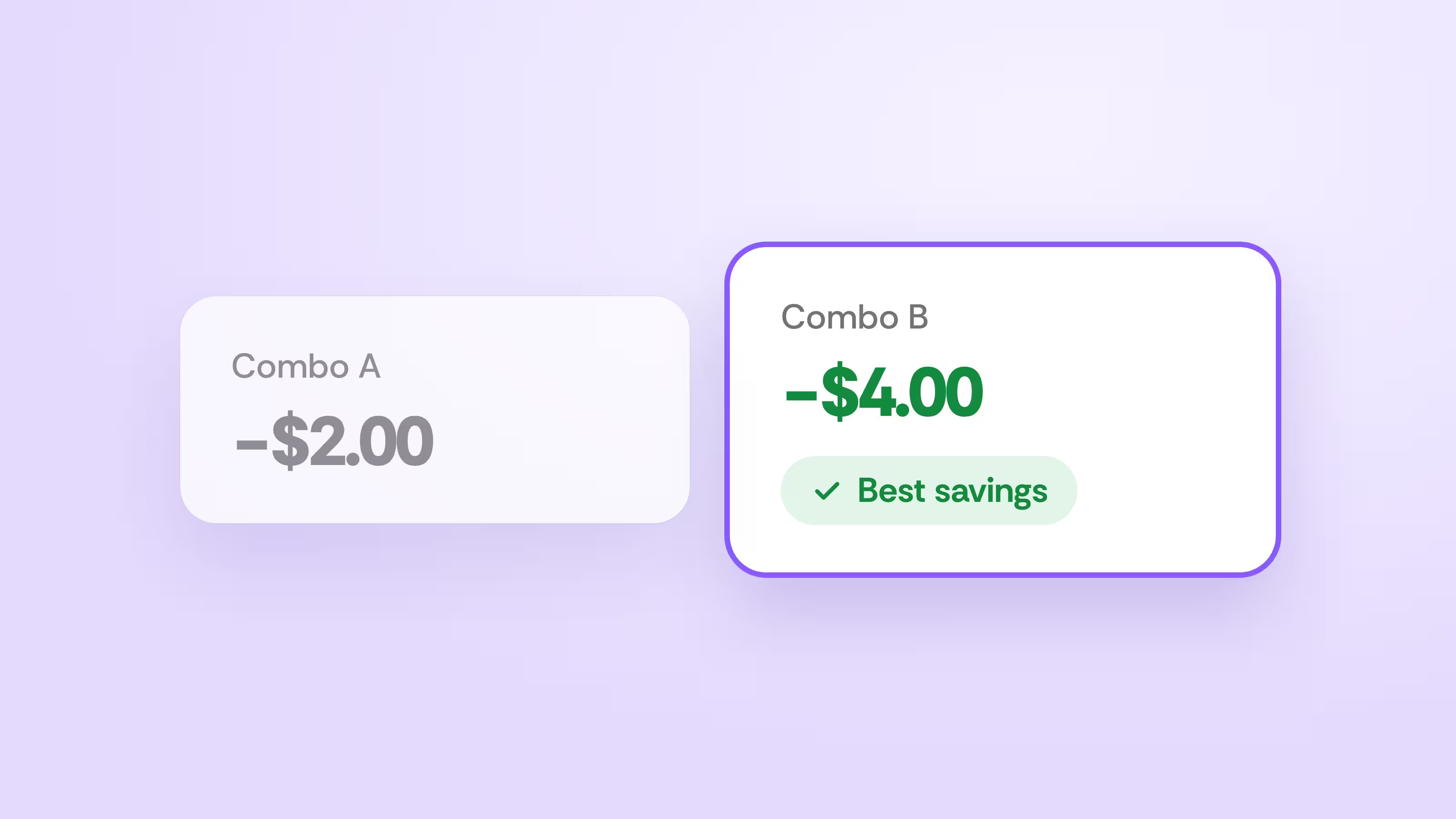
Give shoppers the best combo savings
Combo deals automatically apply the biggest savings each shopper qualifies for.
See how it works →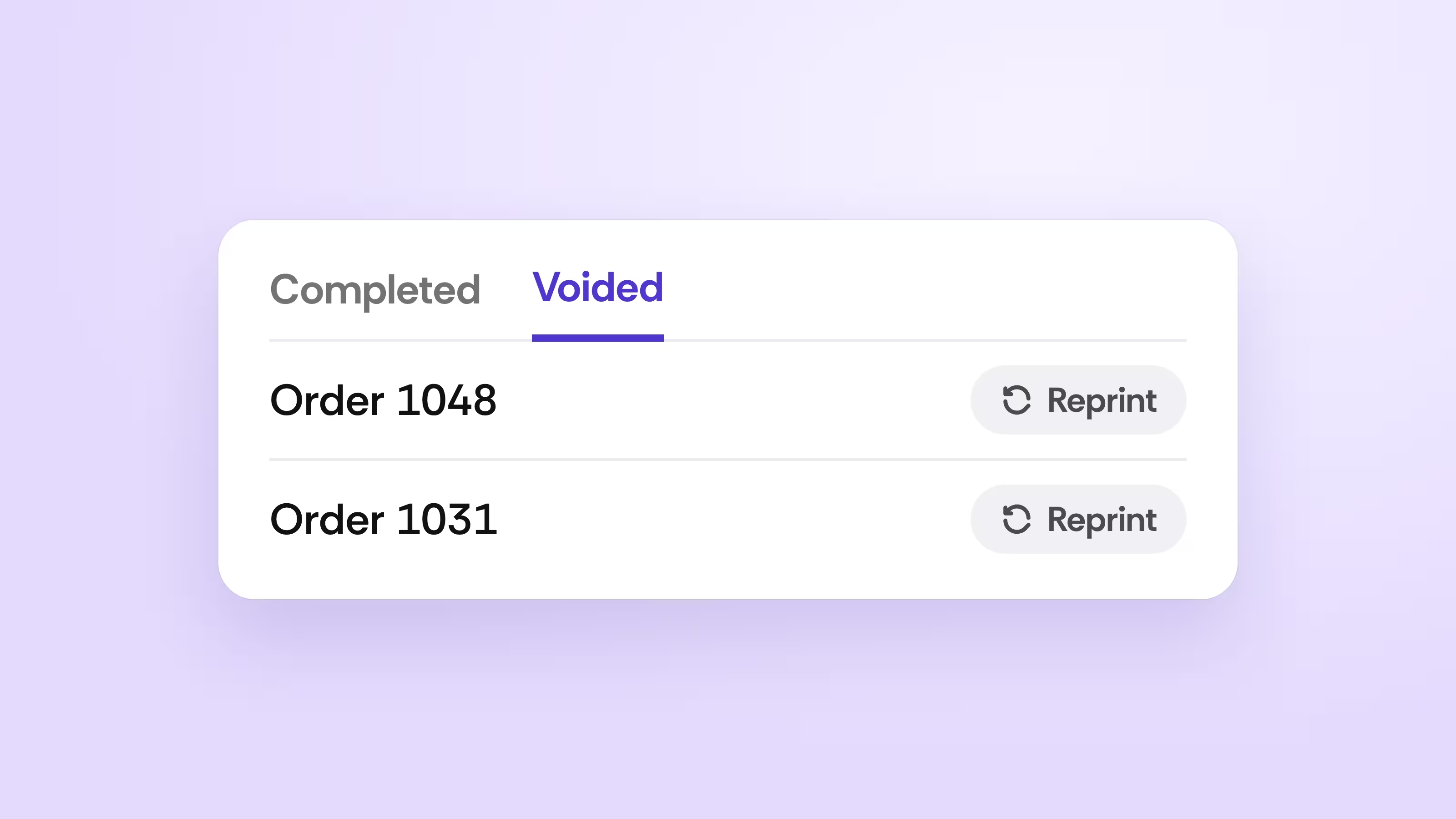
Find voided orders in seconds
Pull up any voided order from its own tab and reprint the receipt.
See how it works →Keep every shelf priced and counted
Tags, ESLs, and inventory moved onto the handheld, so your team fixes prices and counts where the product sits.
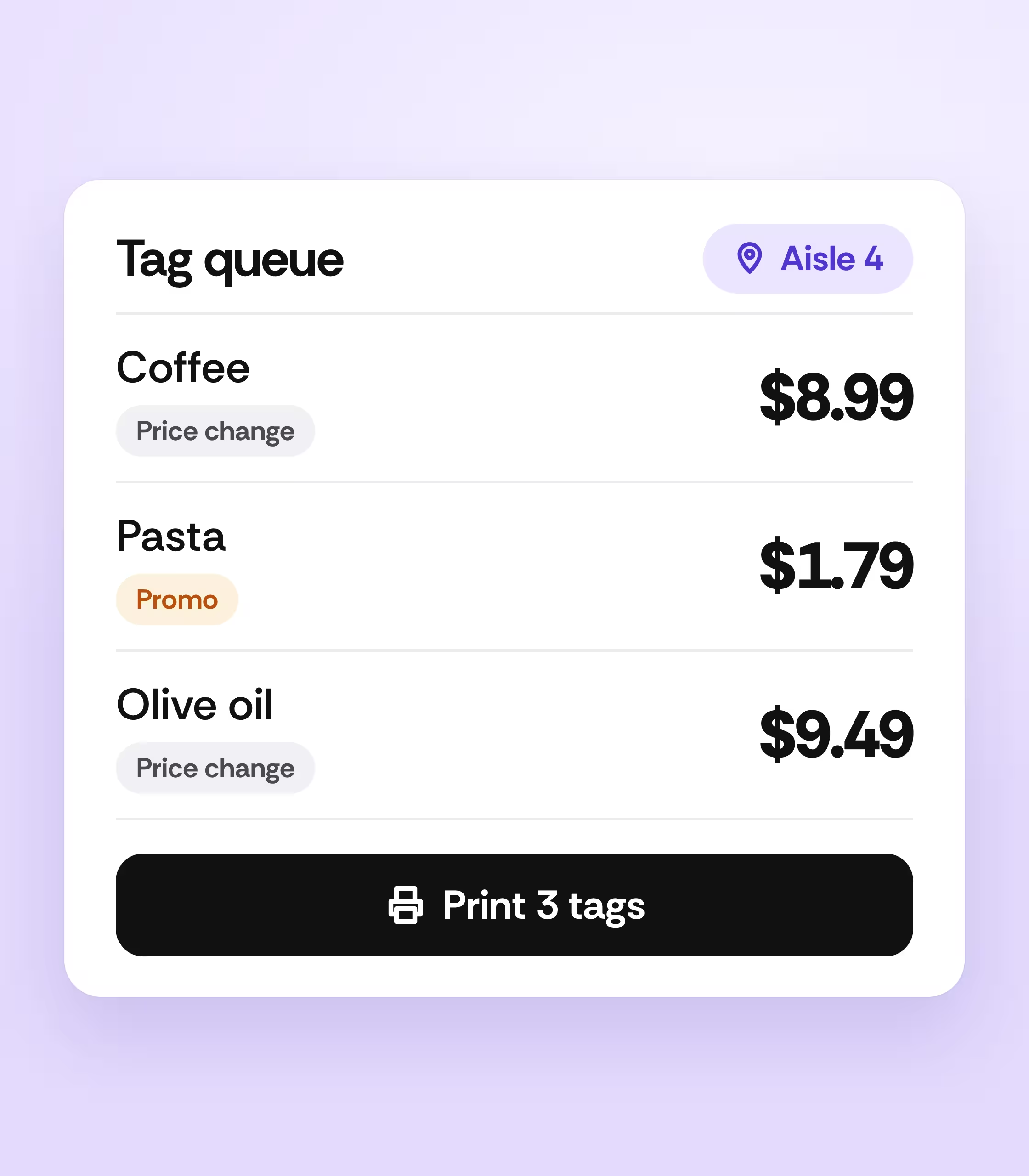
Print the right tags every time
Every price change and promotion lands in one tag queue. Print from your desk or the aisle and filter by aisle.
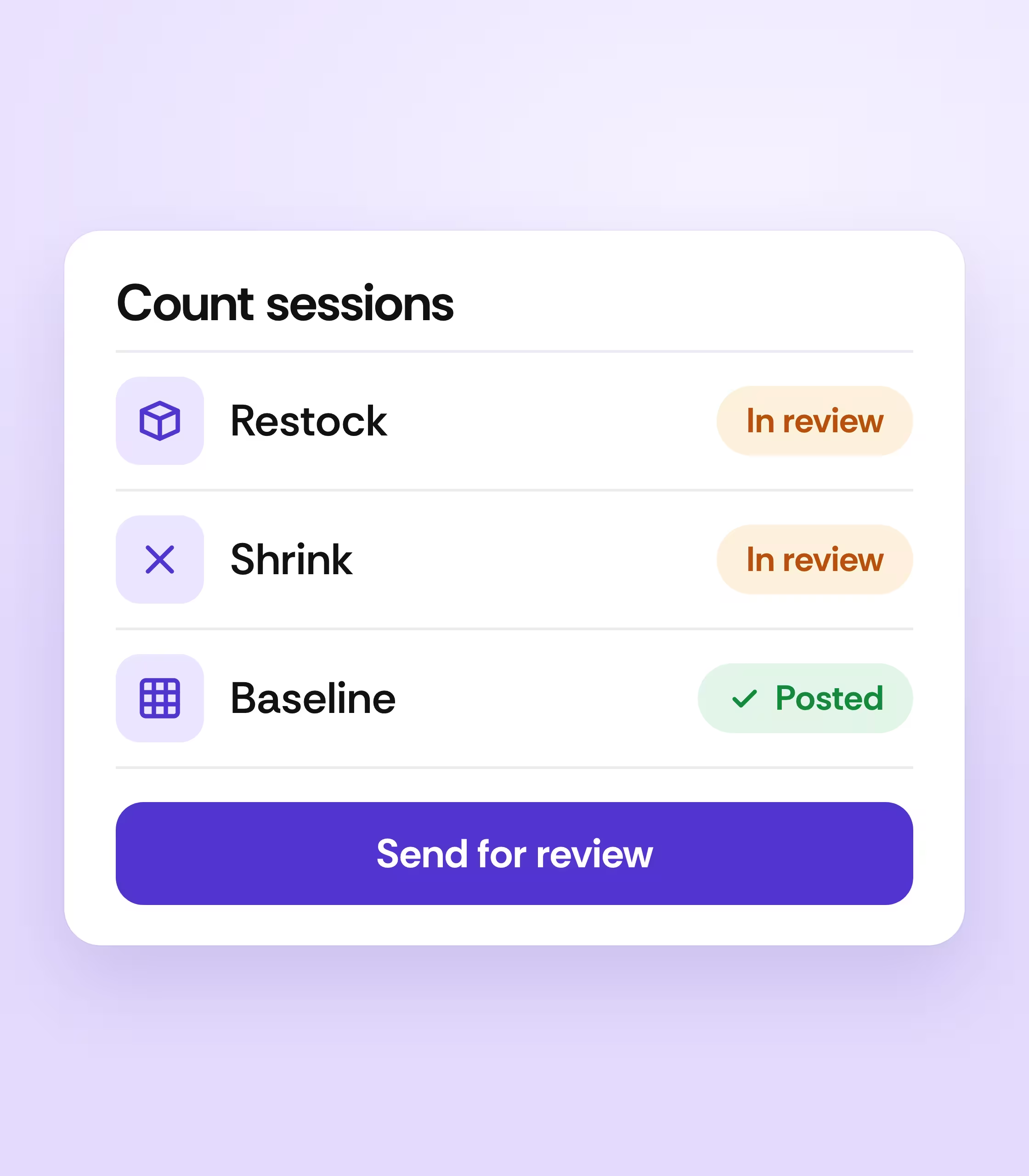
Count, restock, and log shrink with confidence
Run named sessions for restocks, shrink, and baseline counts, and send them for review before they post.
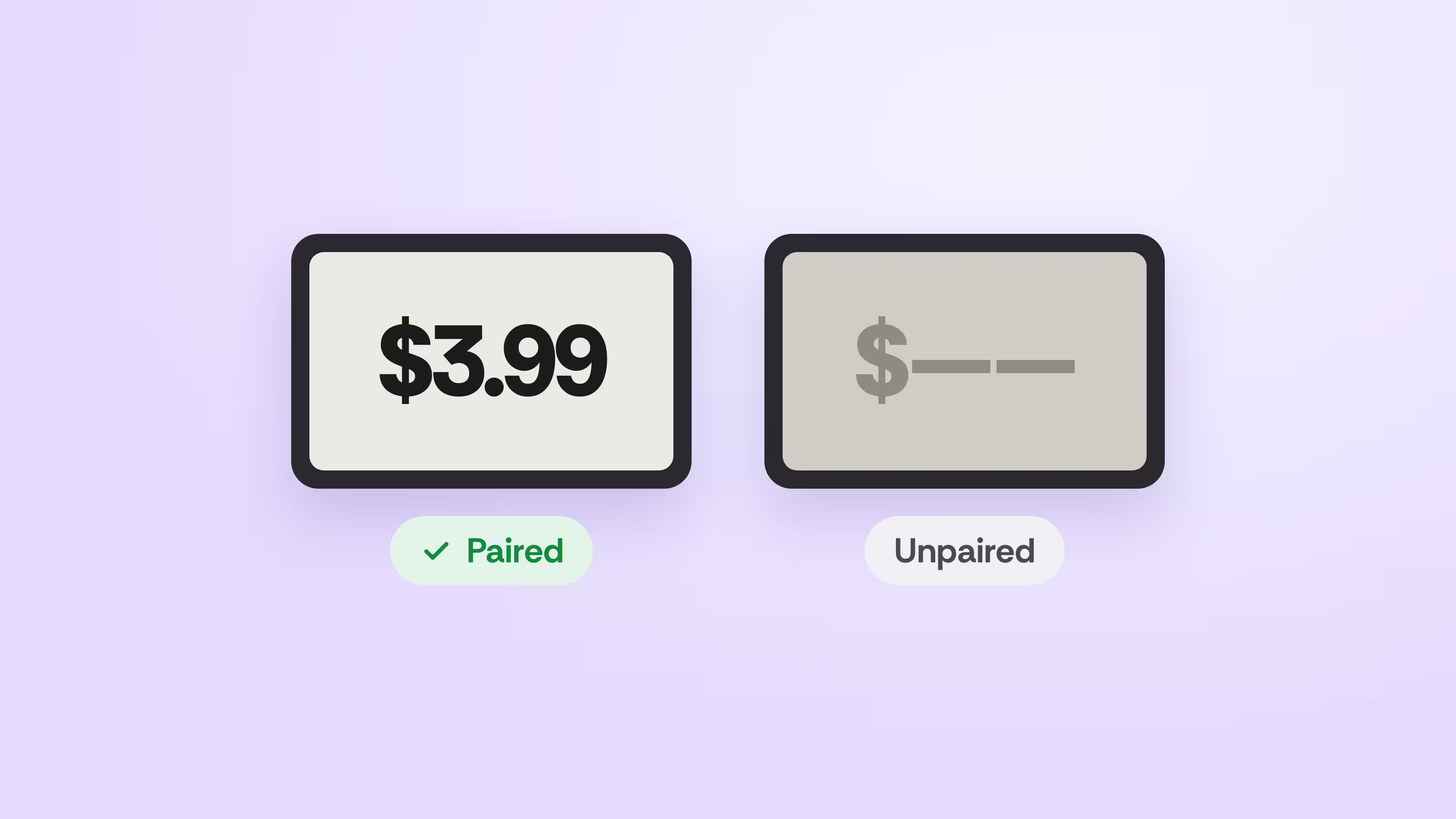
Keep every electronic label in check
See each ESL’s status and pair or unpair tags from your handheld.
See how it works →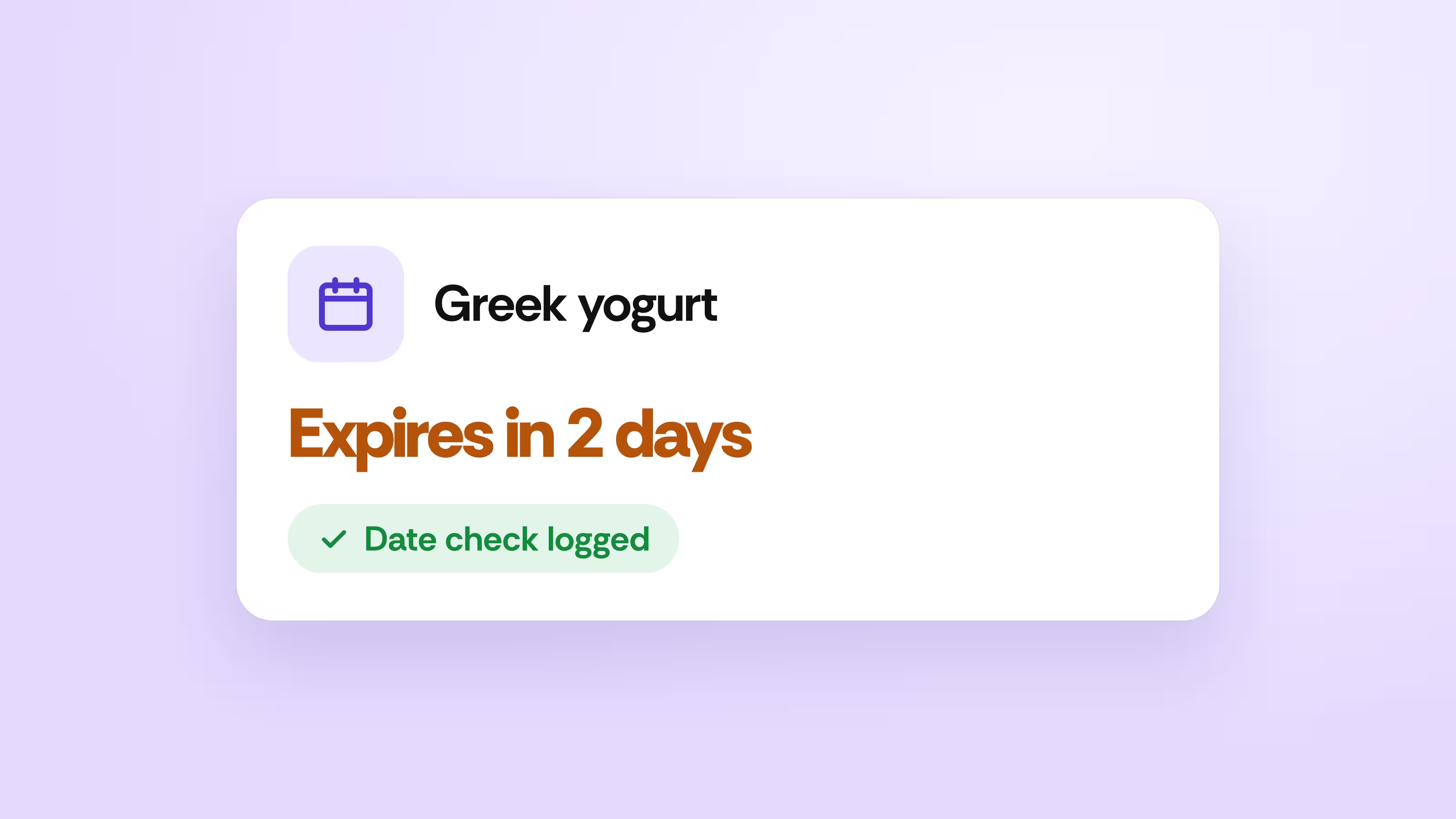
Catch expiring product early
Log date checks from the floor while there is still time to sell.
See how it works →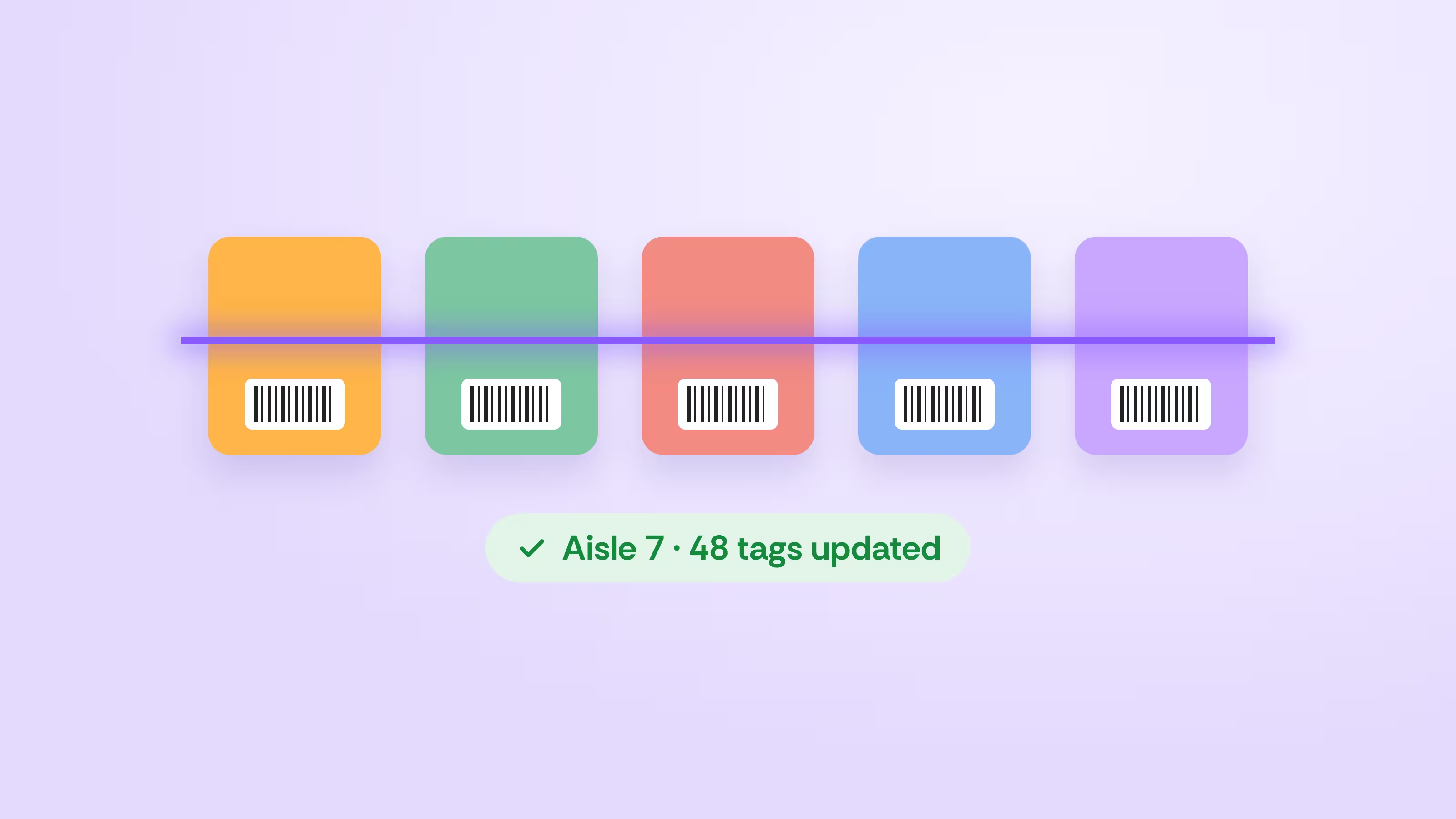
Update a whole aisle in one pass
Scan down the aisle to print tags, change prices, or assign shelf locations at once.
See how it works →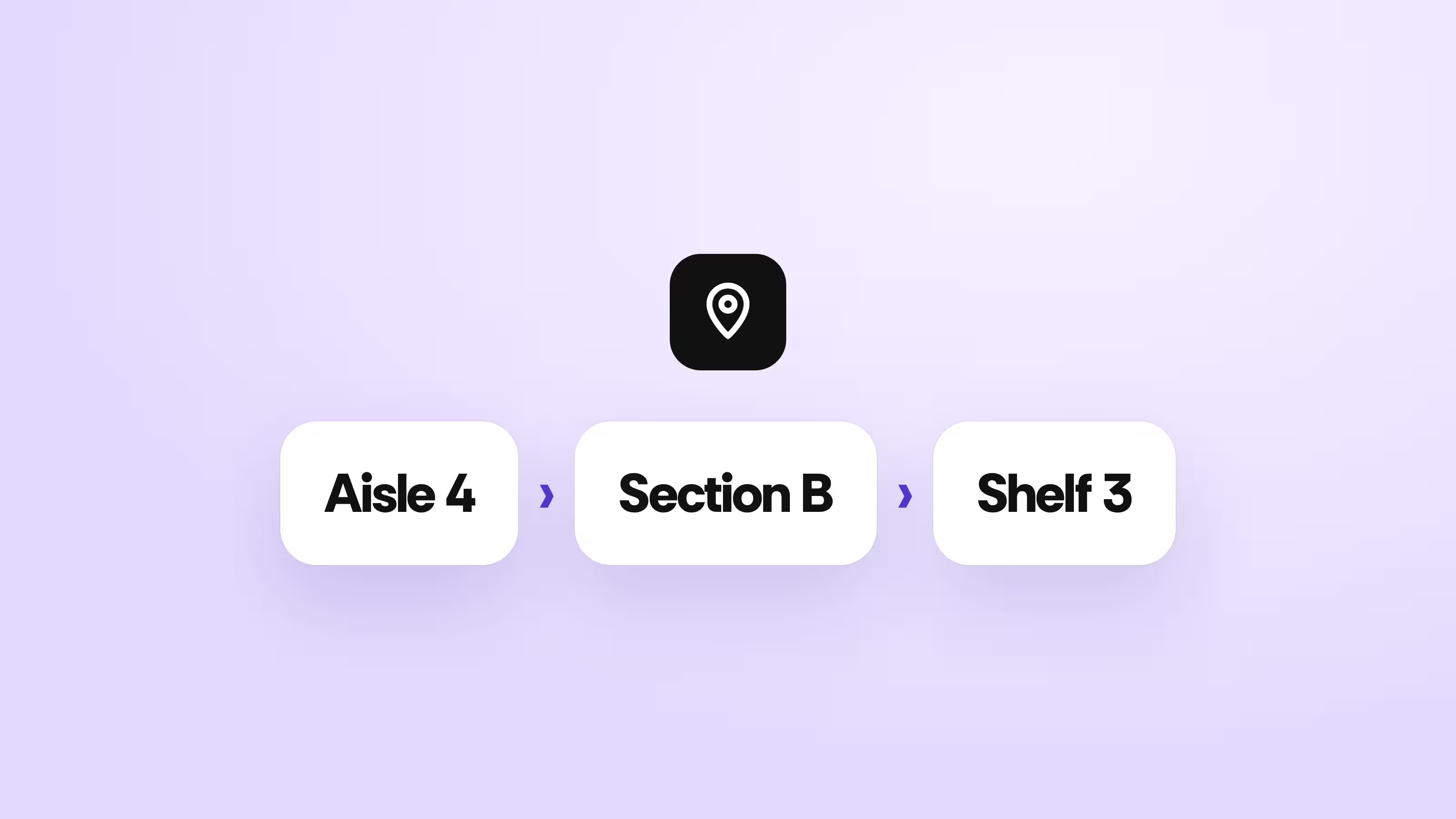
Know exactly where every item lives
Give each product an aisle, section, and shelf, then filter tags by aisle.
See how it works →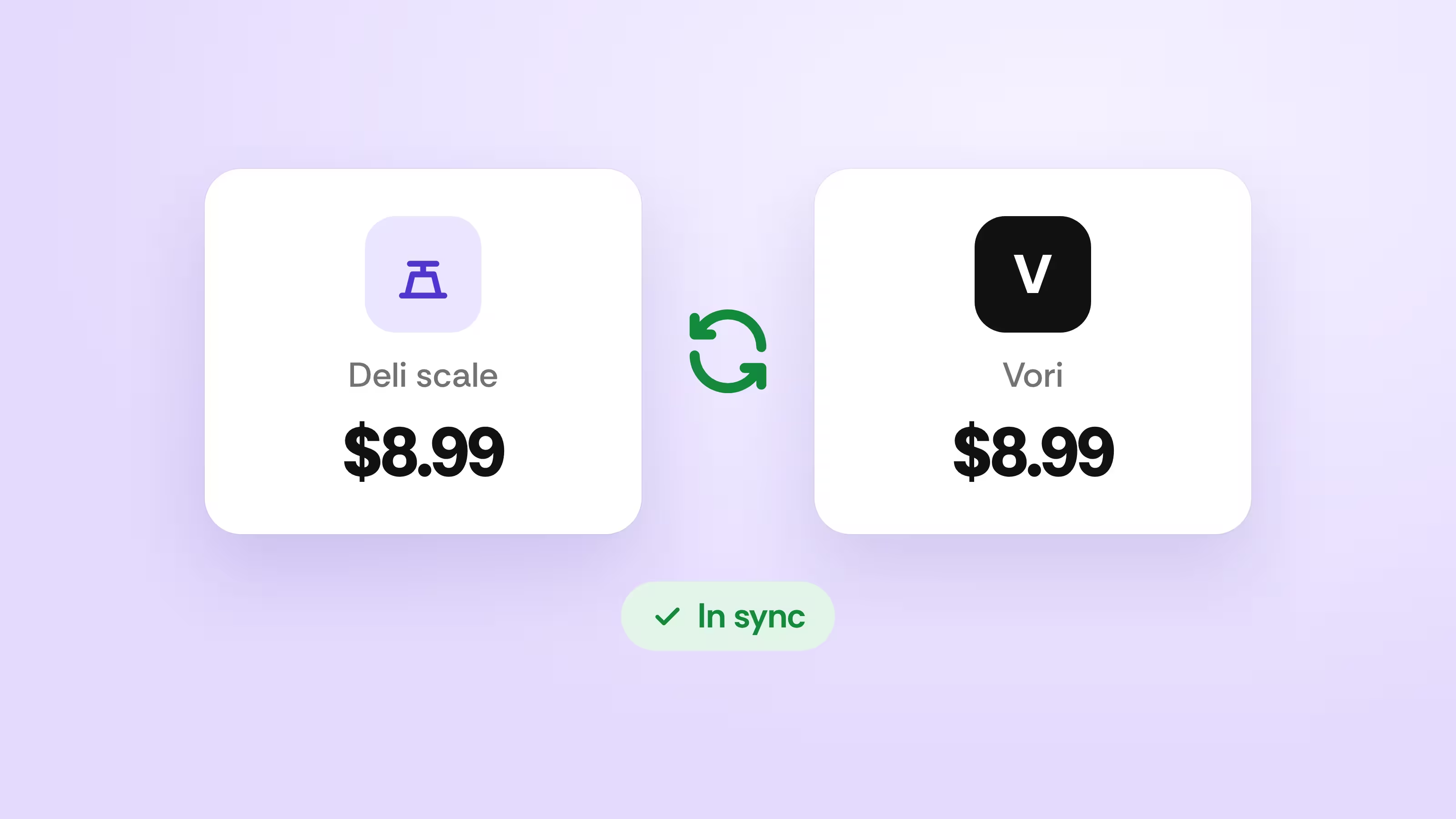
Keep deli scale prices in sync
Send products to your Ishida scales and compare scale prices against Vori.
See how it works →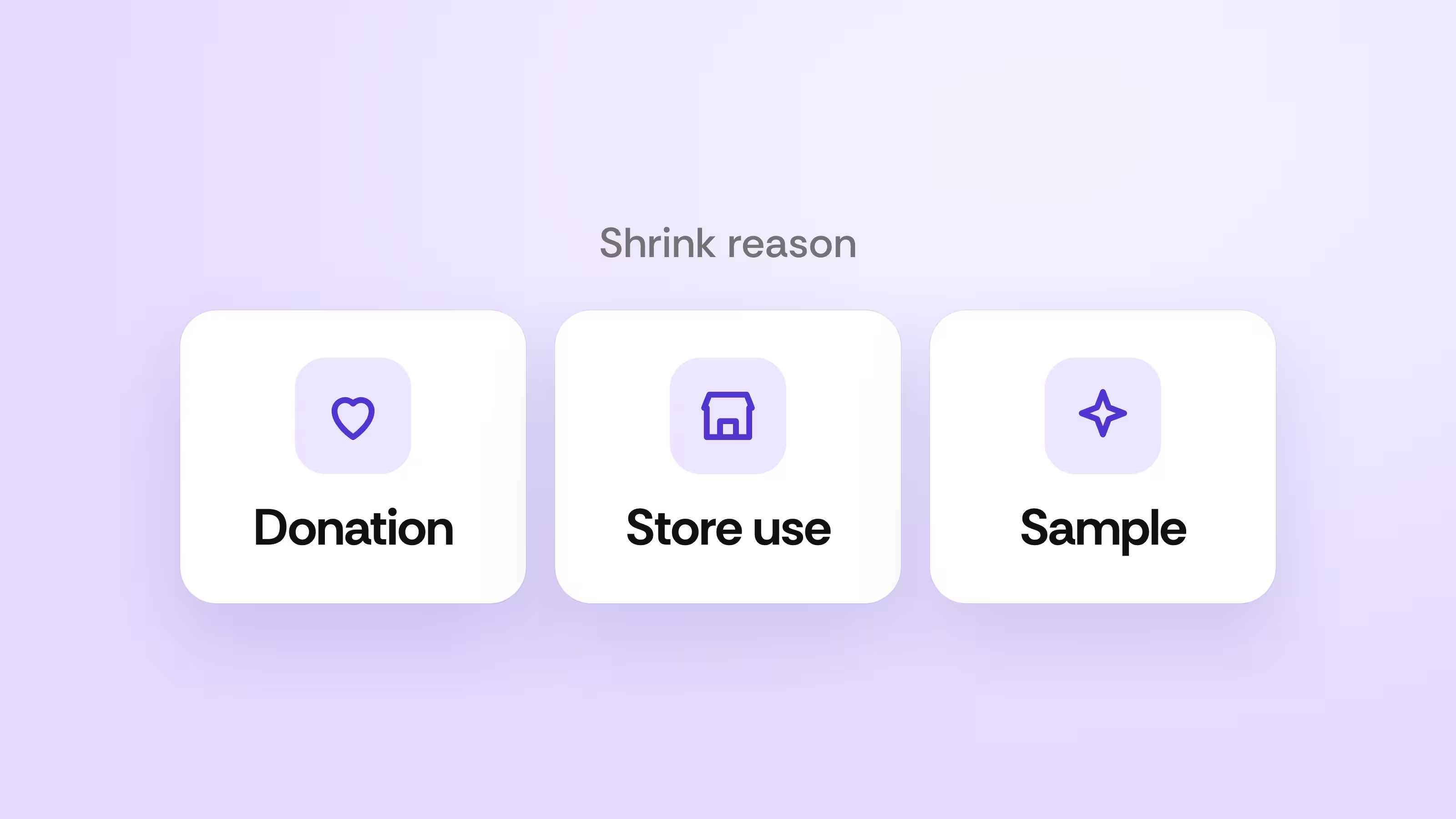
Log every kind of shrink
Record donations, store use, and samples as their own shrink reasons.
See how it works →Order smarter and receive faster
Ordering got more upgrades than any other part of Vori this year, and receiving now works with or without an invoice.
Ordering, rebuilt
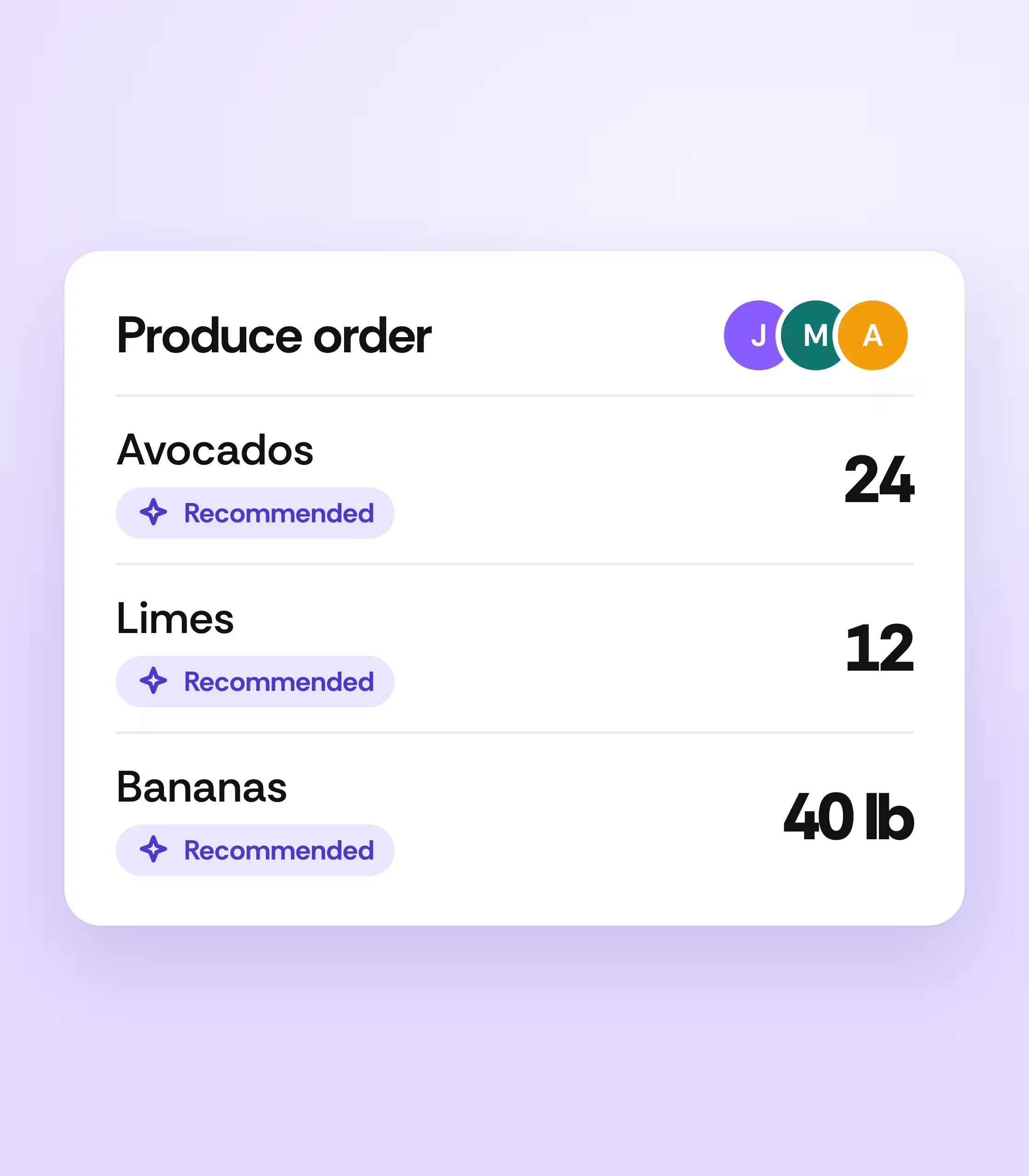
Build orders from real sales data, split the work across your team, and give each department its own order.
- ✓Recommended orders and current sales pace on every line
- ✓Several people on one order or one invoice at once
- ✓Orders and order guides by department
- ✓Order and receive by the pound
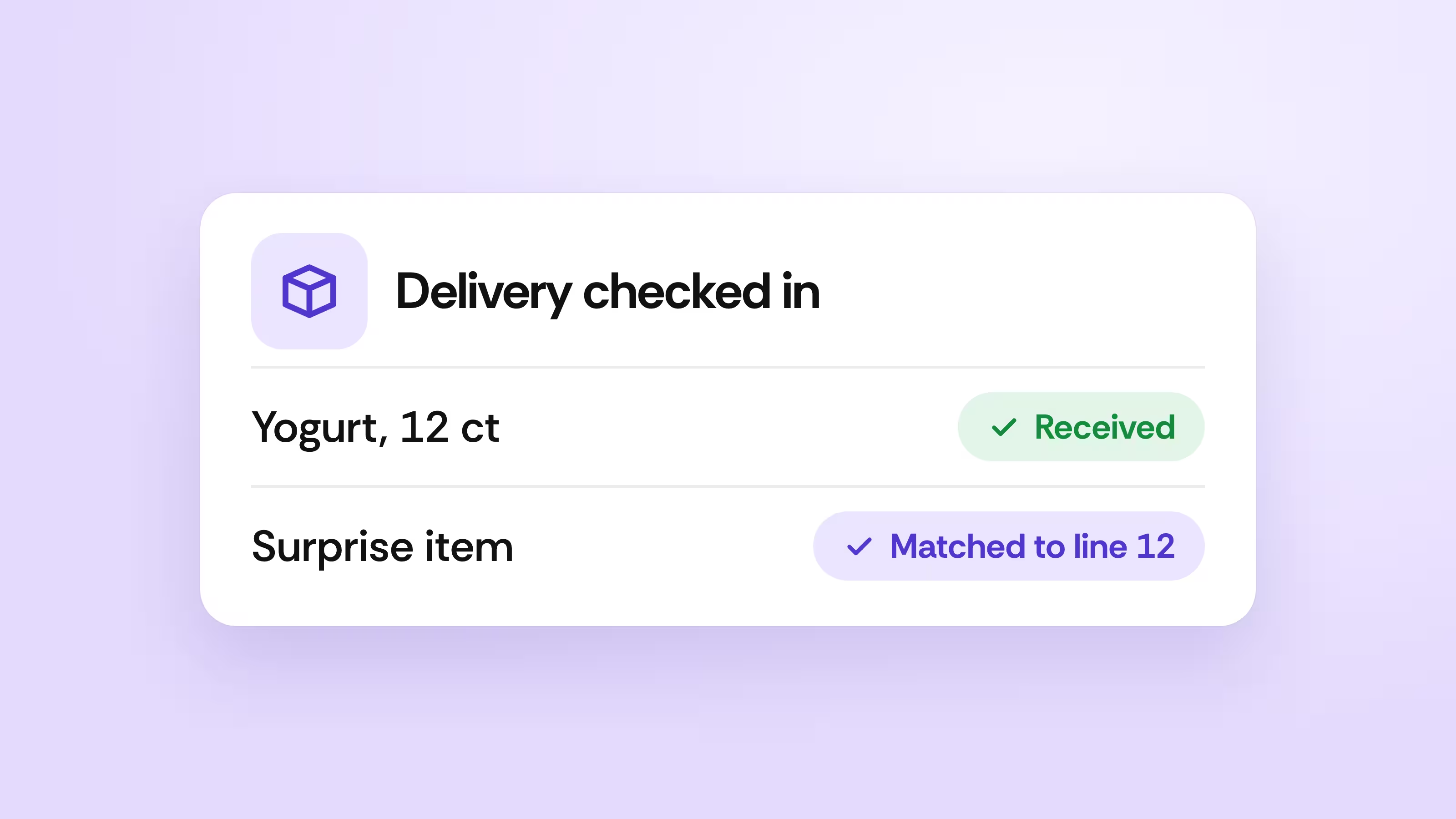
Receive with or without an invoice
Check in product on arrival and match surprise items to the right invoice line.
See how it works →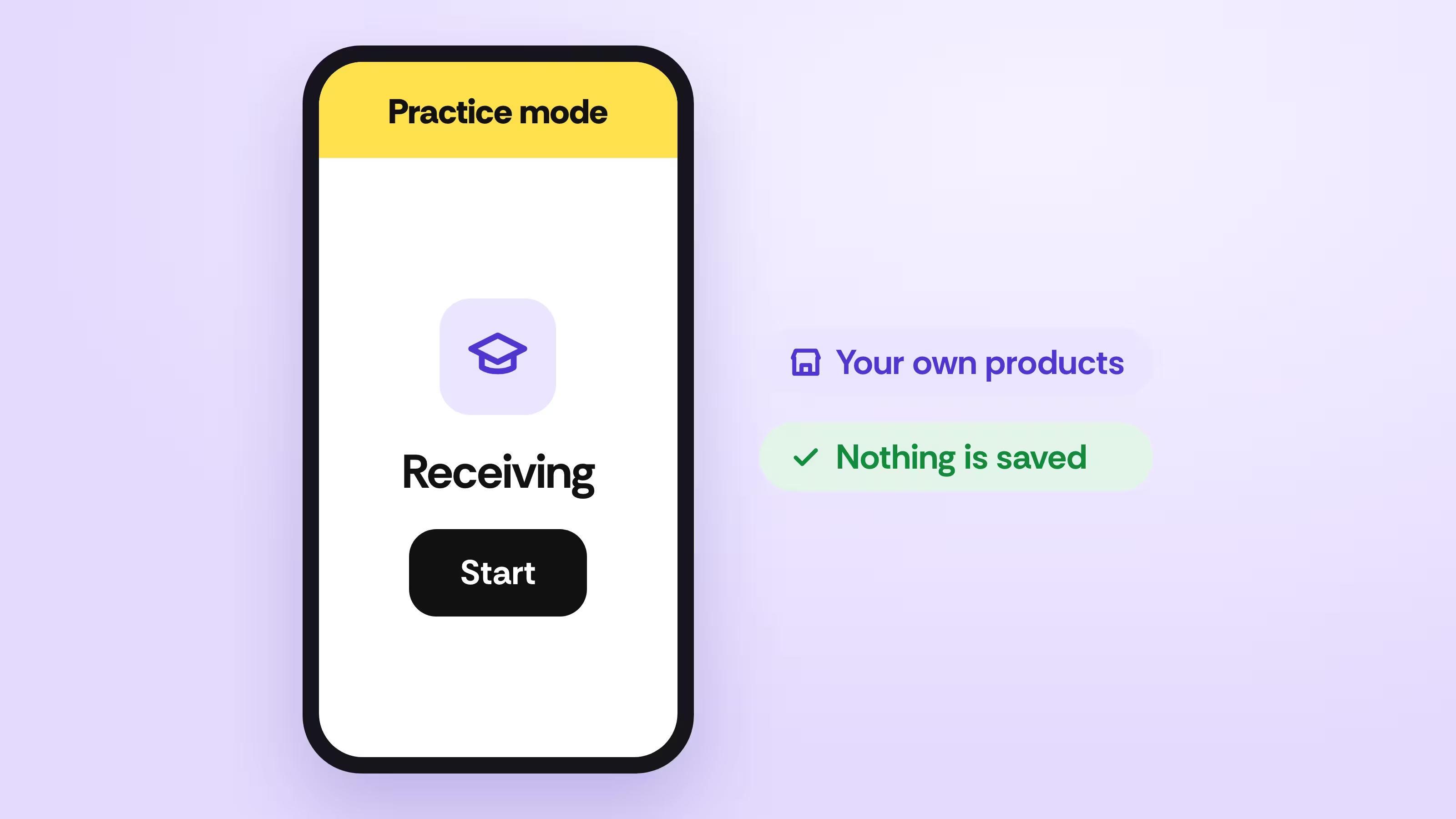
Train new hires on real product
Practice receiving, ordering, and counts with items from your own shelves.
See how it works →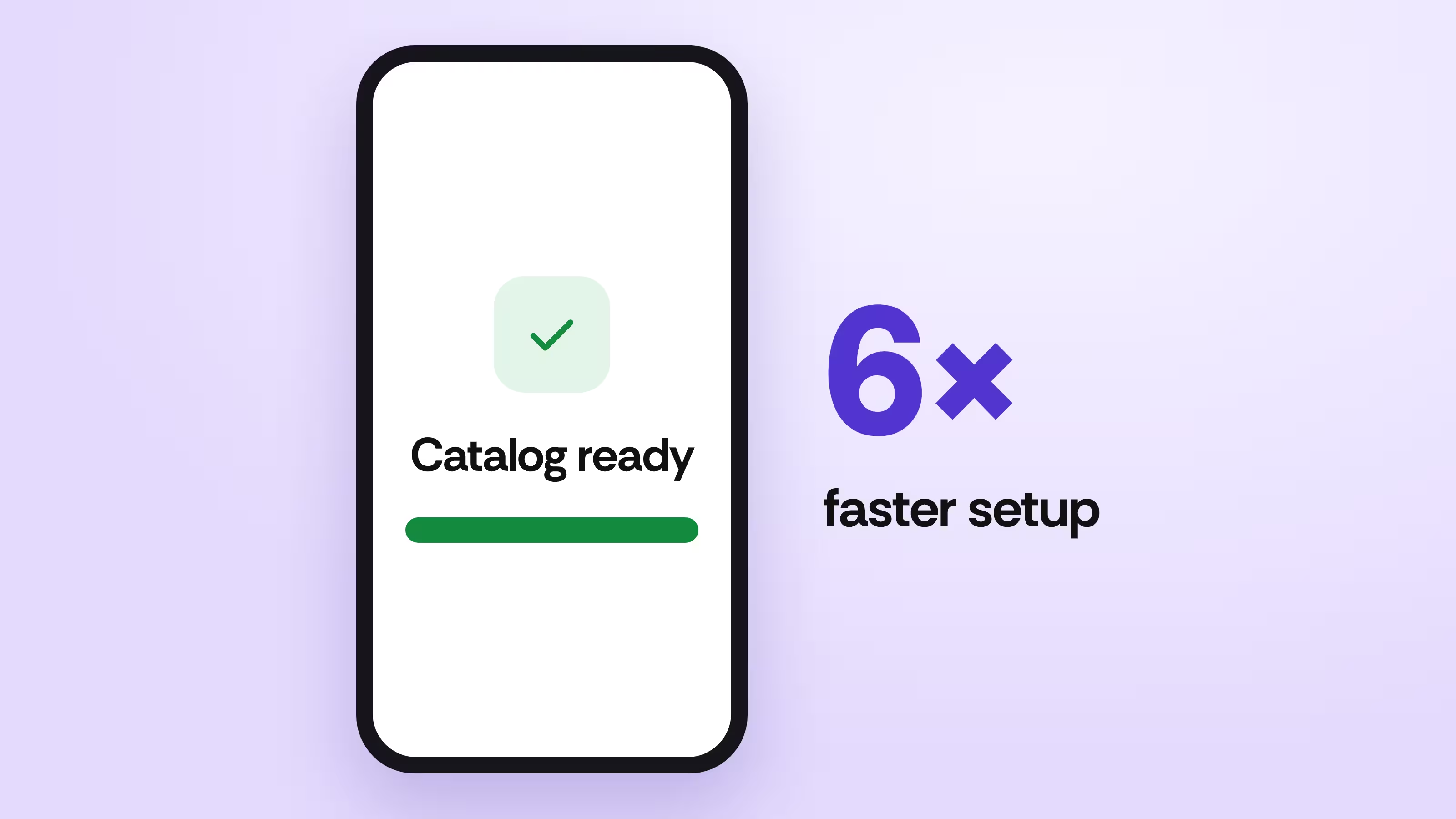
Set up a new handheld in under a minute
A new device downloads your full catalog about six times faster than before.
See how it works →Run the store from anywhere
Reports got faster and deeper, and Vori now connects to the tools you already use for accounting, delivery, and deli.
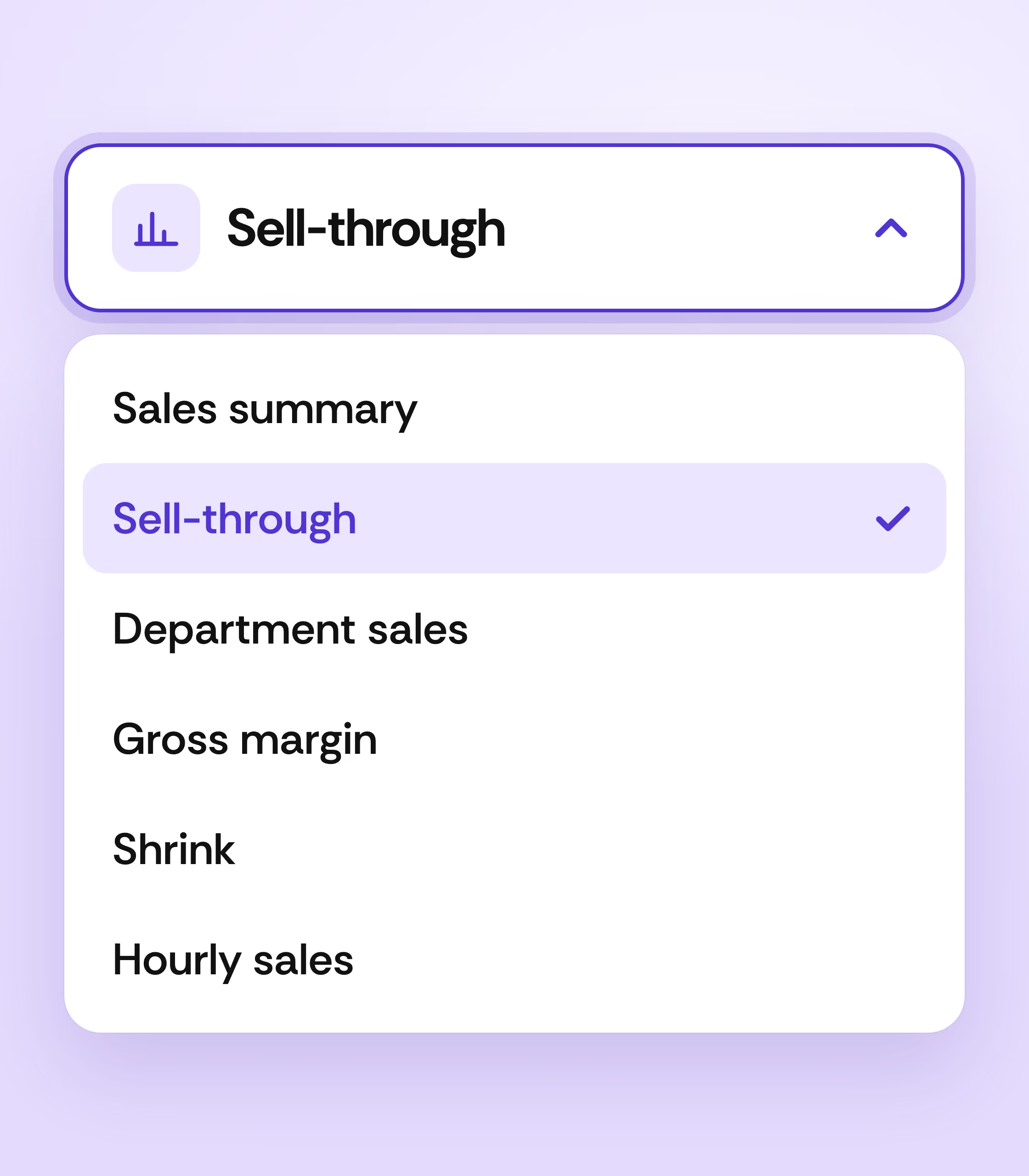
Get answers about your store in seconds
Run sell-through, sales by shelf location, and past inventory levels. Even the biggest reports load in under 3 seconds.
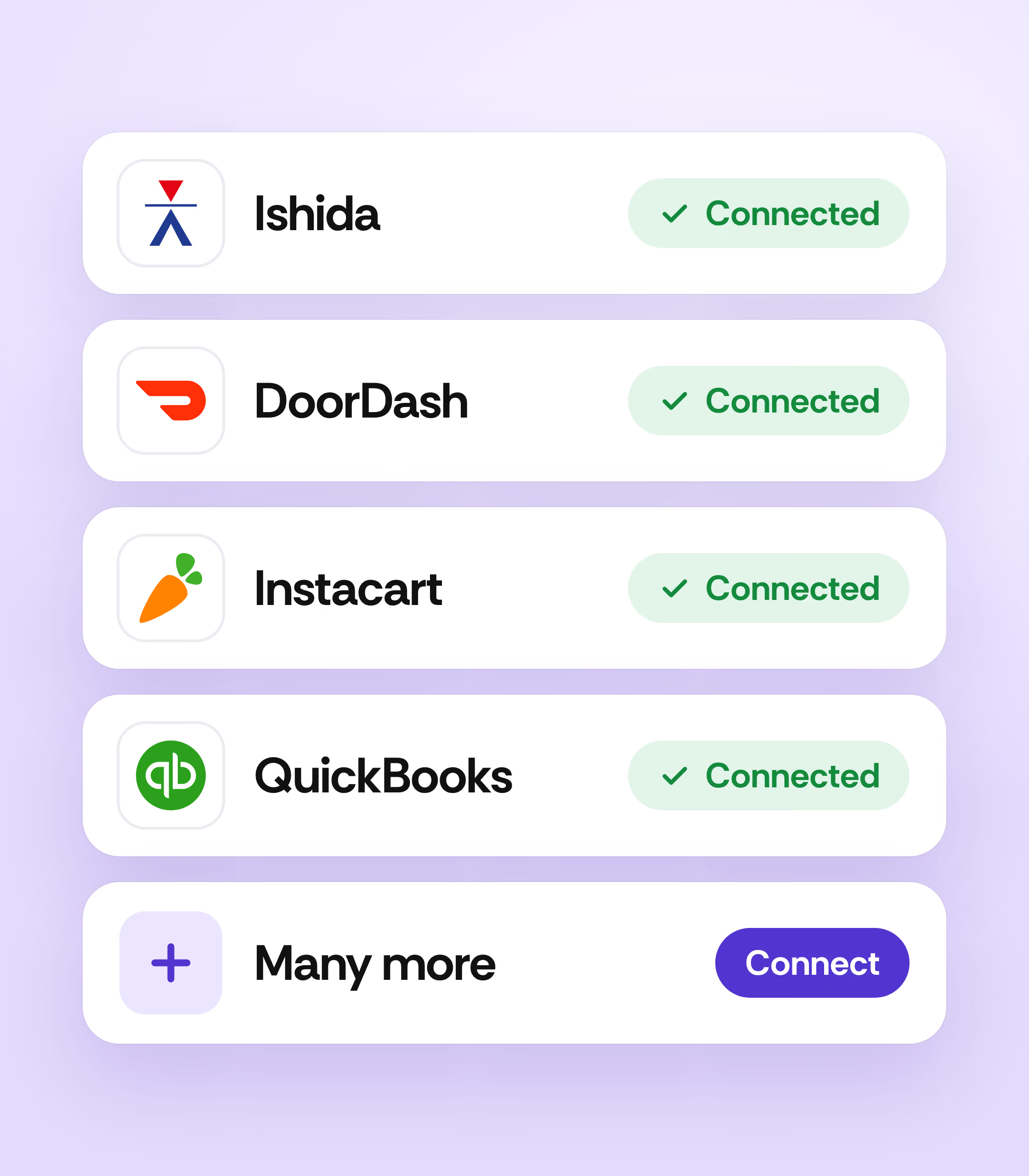
Connect your tools in one place
Set up deli scales, Instacart, QuickBooks, and Xero from one screen in Vori.

Ask your AI assistant about your store
Vori MCP connects your store's data directly to the AI assistant you already use. Ask about sales, margin, and inventory in plain language, from wherever you already work.
- ✓Ask how margins did yesterday and get the real number
- ✓Get answers from your live store data
- ✓Works with Claude, ChatGPT, and Gemini
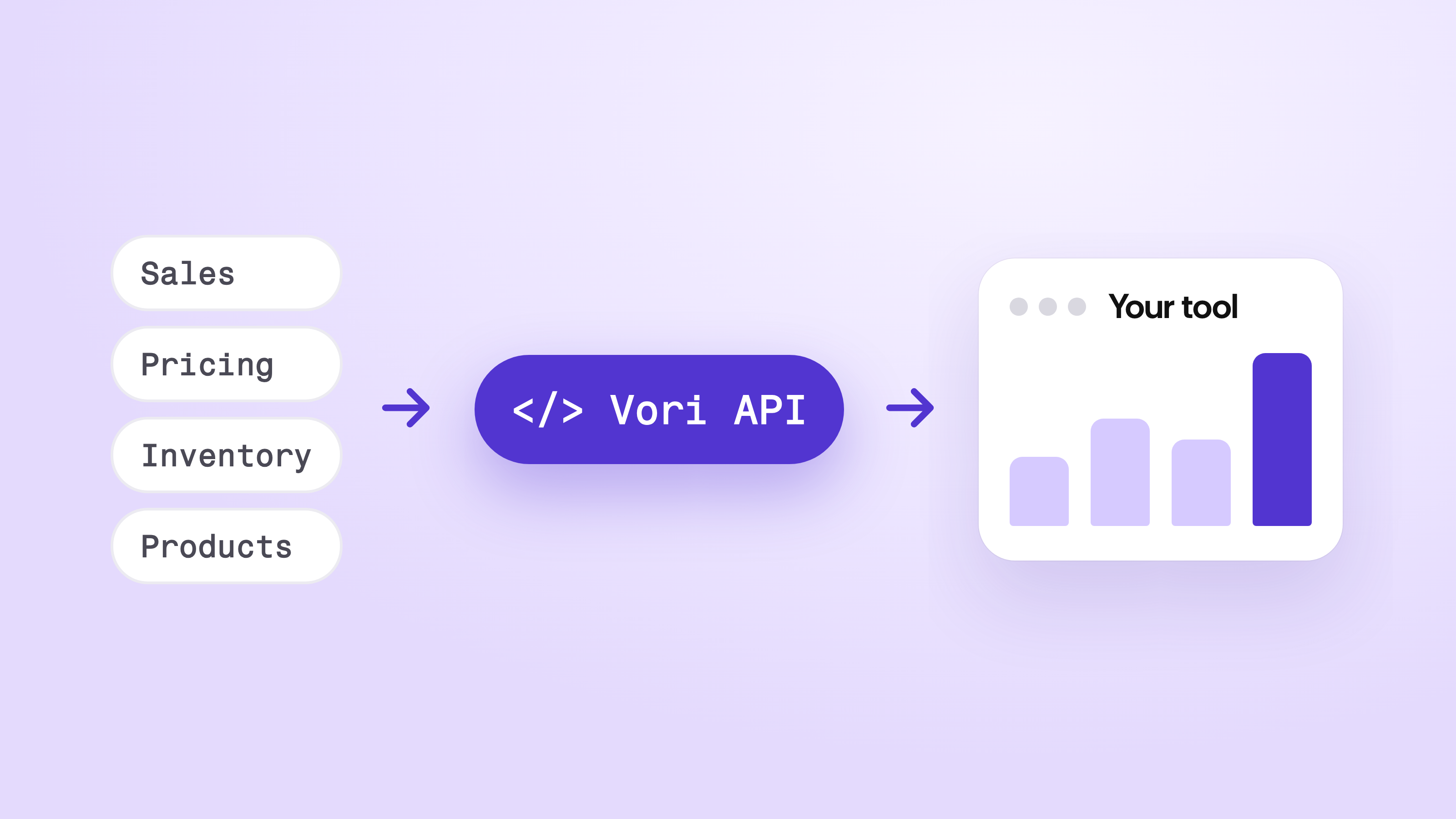
Build custom tools with Vori data
Pull sales, pricing, inventory, and product data through the Vori API into the tools your team builds.
See how it works →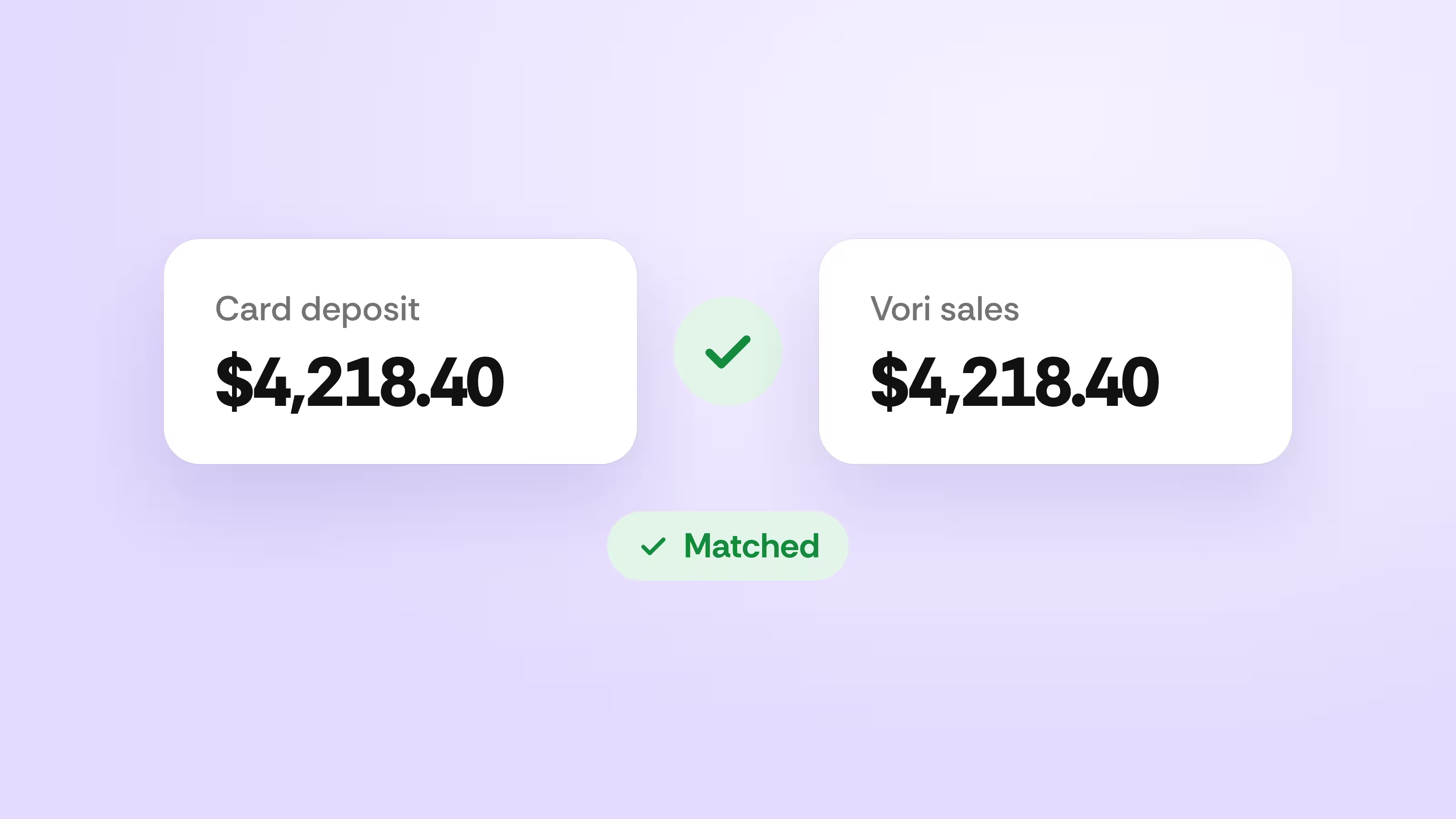
Match every deposit to every sale
See card deposits reconciled against your Vori transactions in one dashboard.
See how it works →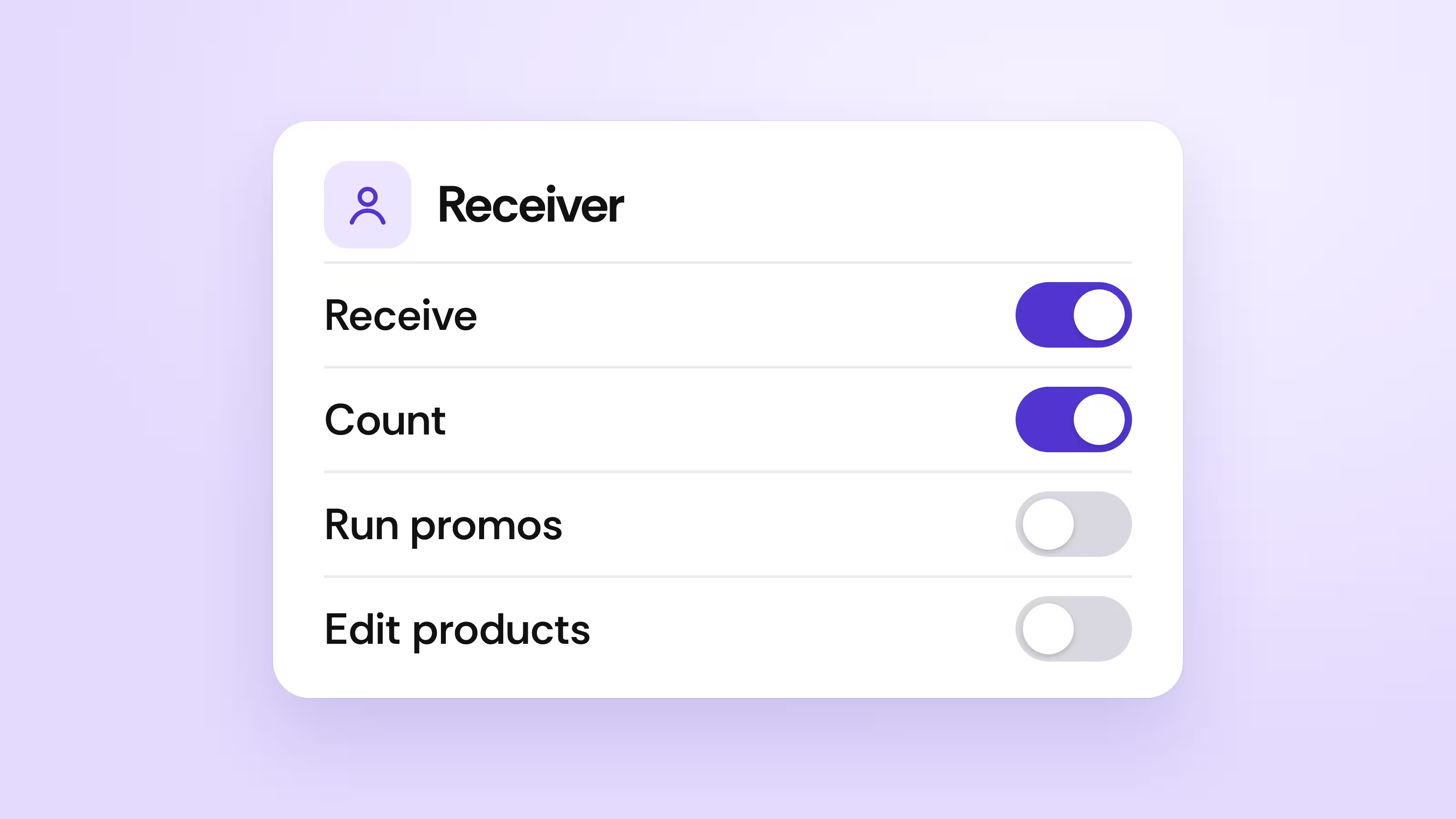
Give each person the right access
Build roles that control who can order, receive, count, run promos, or edit products.
See how it works →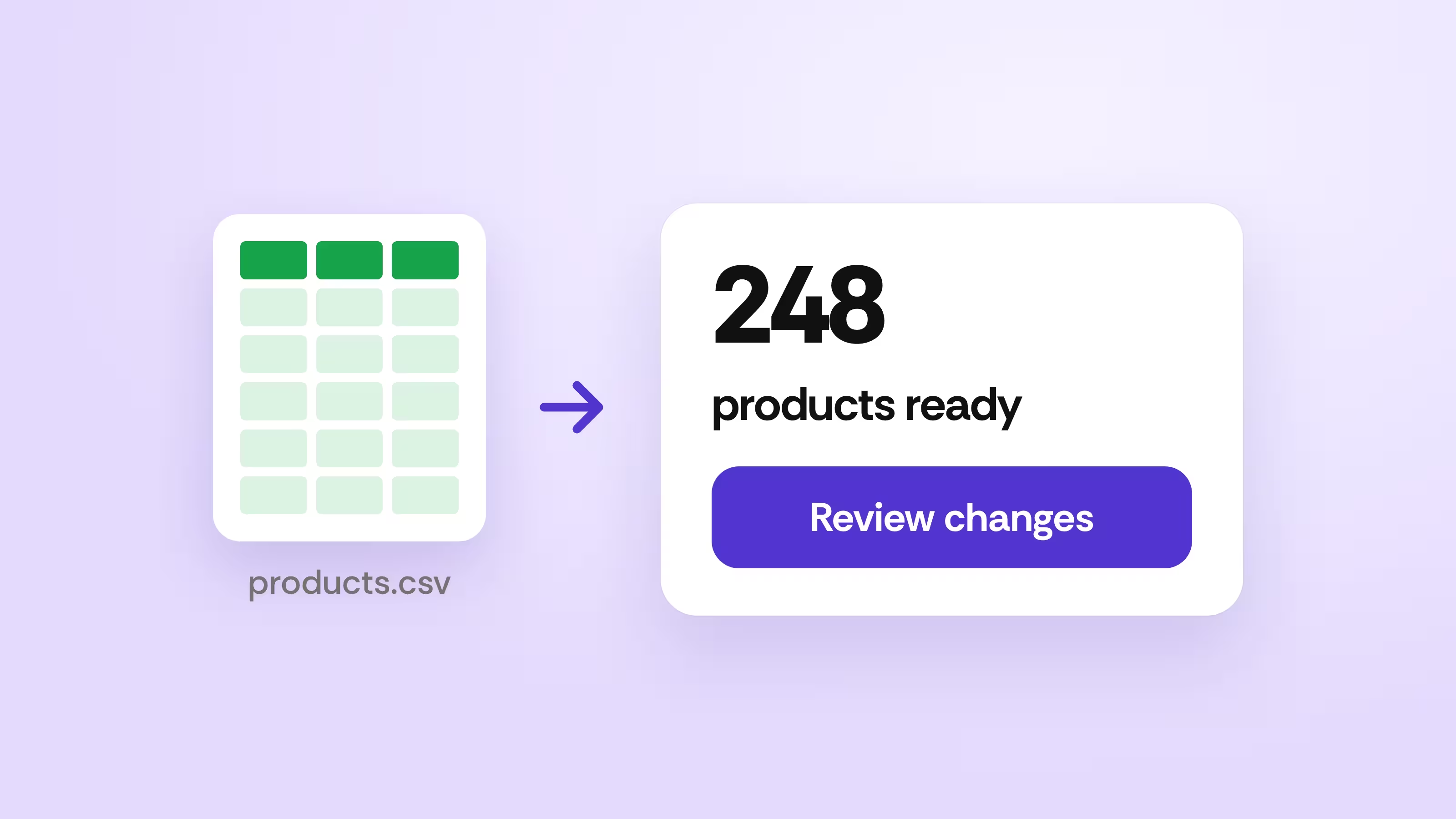
Load products in minutes
Upload products and product groups from a spreadsheet and review every change.
See how it works →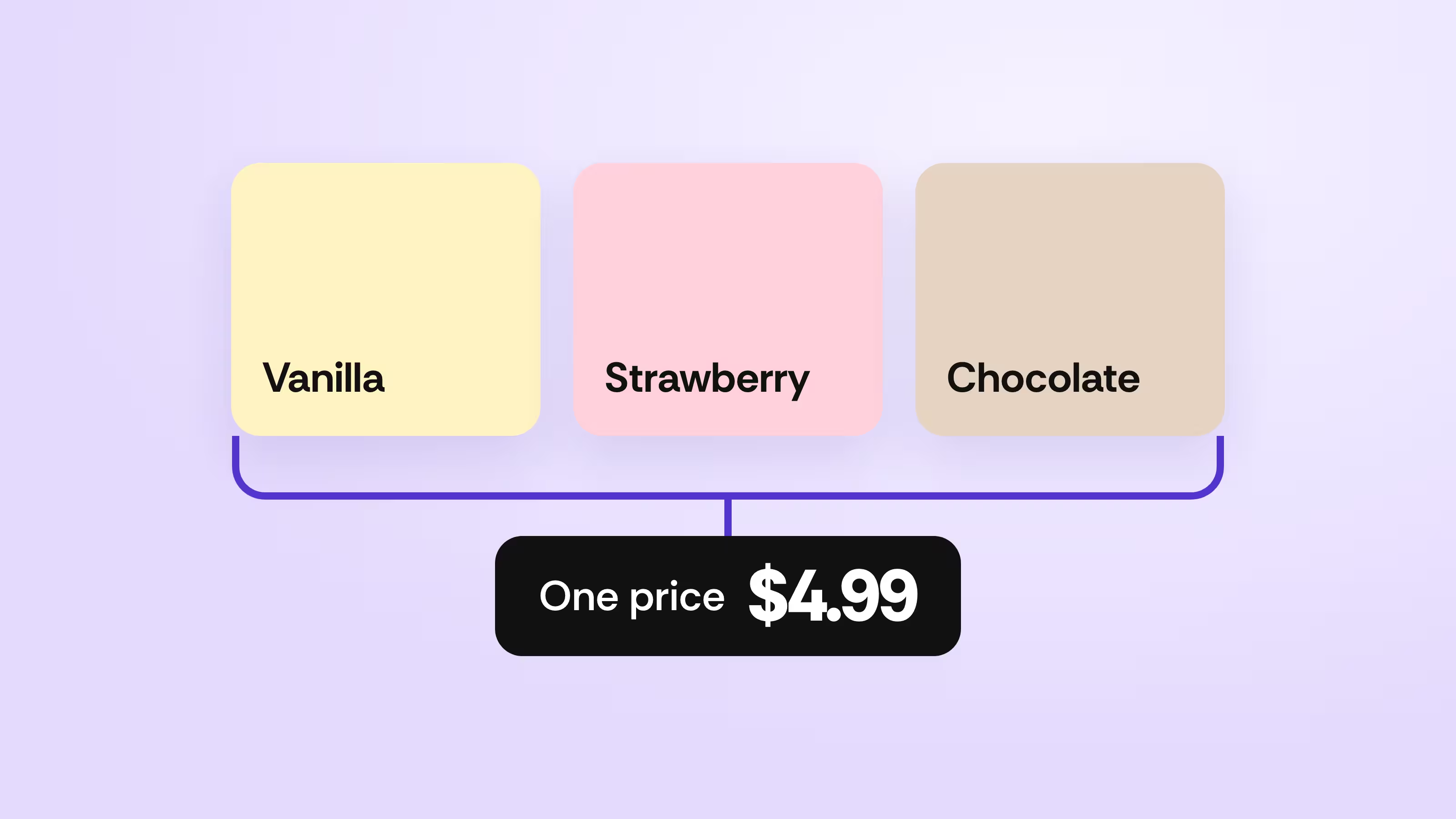
Manage like items as one
Group sizes and flavors to share a price, margin target, and EBT setting.
See how it works →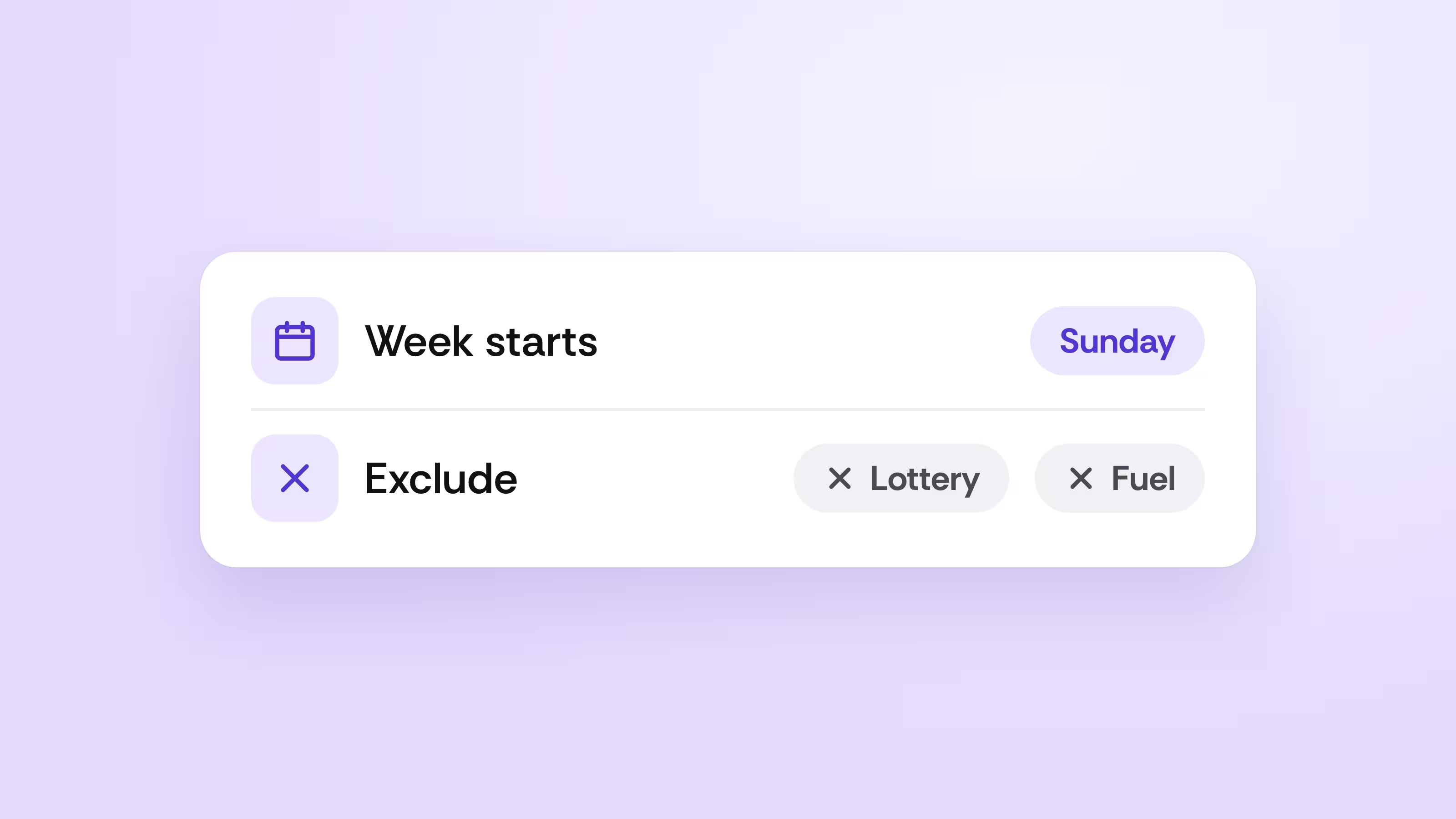
Shape reports around how you sell
Exclude departments from sales reports and pick the week range that matches yours.
See how it works →