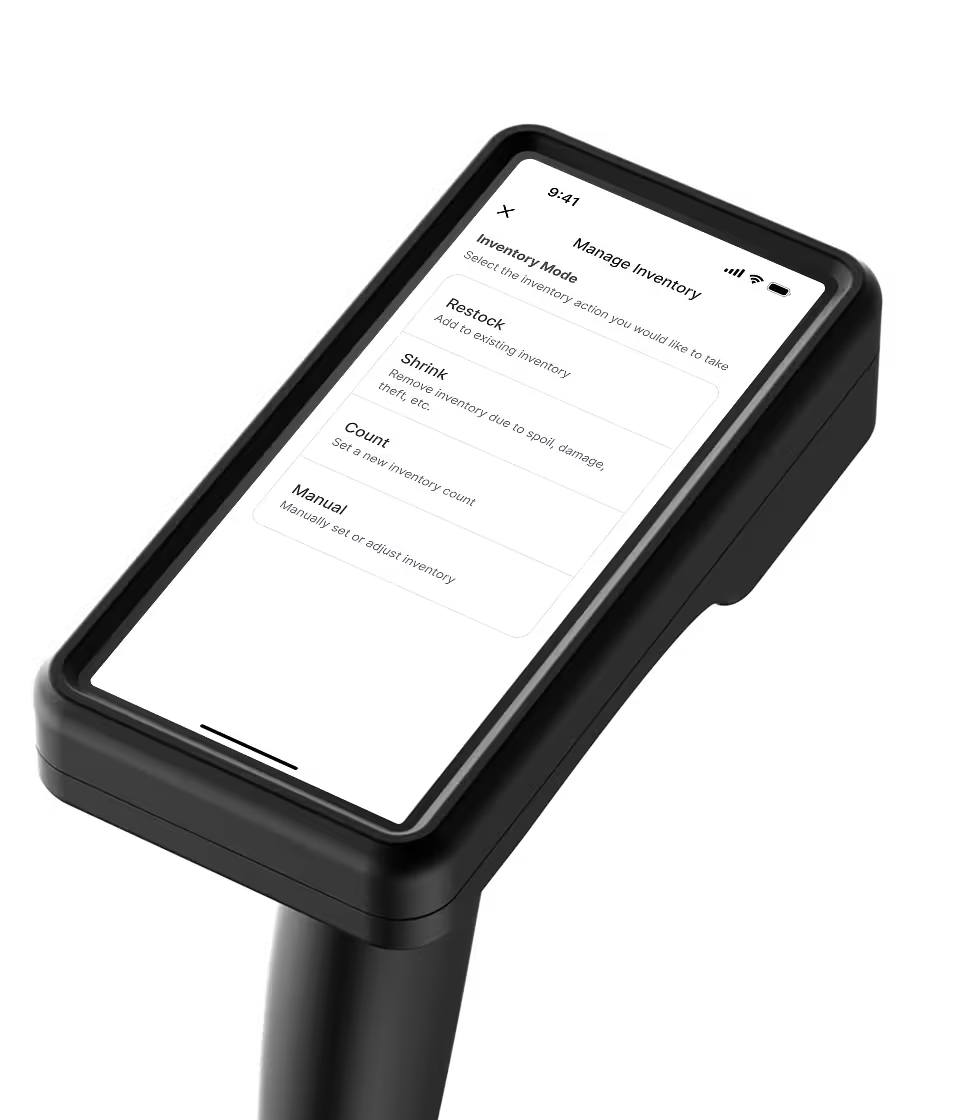
The grocery back office that does the work for you
Invoices read. Prices set. Orders built. You approve.
The work behind the register is where margin slips

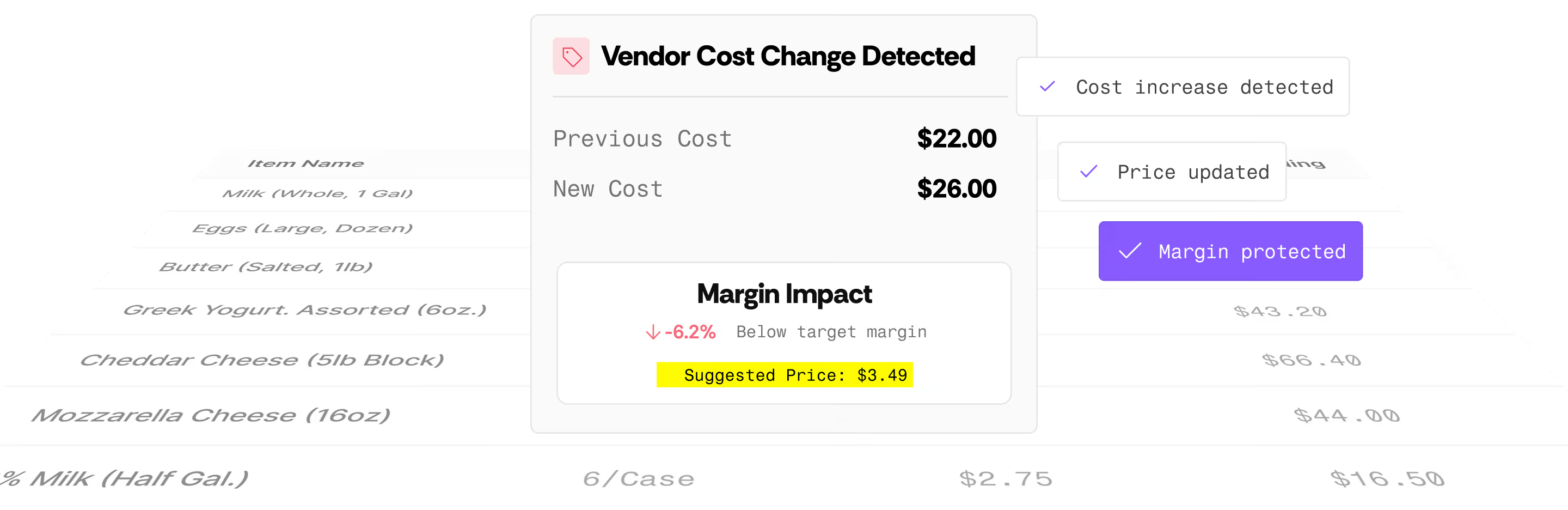
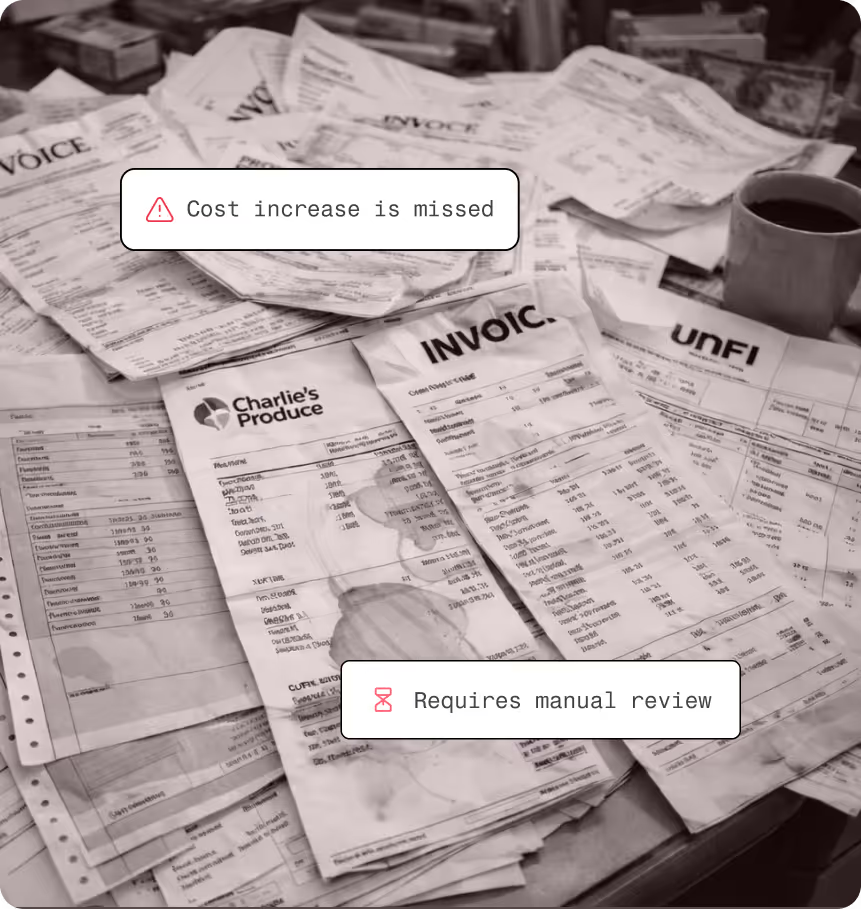
Costs move on the invoice before your prices do.
Ordering lives in someone's head and a notebook.
One person runs the whole back office, and the keying never stops.
Chip does the back office work. You make the calls.
Chip is a virtual employee inside Vori. It works within your rules, flags what needs a decision, and changes nothing without your approval.
Cost changes
Reads every invoice
Chip pulls cost changes from each invoice as it arrives and flags every item that moved.
Your part: Review what changed
Pricing
Sets new retails to your margin
Chip suggests a new price for every cost change and checks your prices every night.
Your part: Approve with one tap
Receiving
Sets up new items from the invoice
Chip creates items that don't scan yet, so they ring up right on the first sale.
Your part: Confirm the details
Inventory
Finds slow movers before they spoil
Chip spots items that aren't selling and suggests a markdown while there's still time to move them.
Your part: Pick the markdown
Shrink
Flags shrink before it adds up
Chip watches shrink by department and reason code and flags where losses are climbing.
Your part: Fix the cause
Ordering
Builds orders before they're due
Chip drafts each vendor order from sales movement, so it's ready before the cutoff.
Your part: Send it
Grocery store management software built for the work behind the register
How Vori runs the back office while your NCR front end keeps ringing.

Catch cost changes as invoices arrive
Vori reads vendor invoices, flags every cost increase, and suggests a new retail based on your margin targets.
Send approved prices to every register
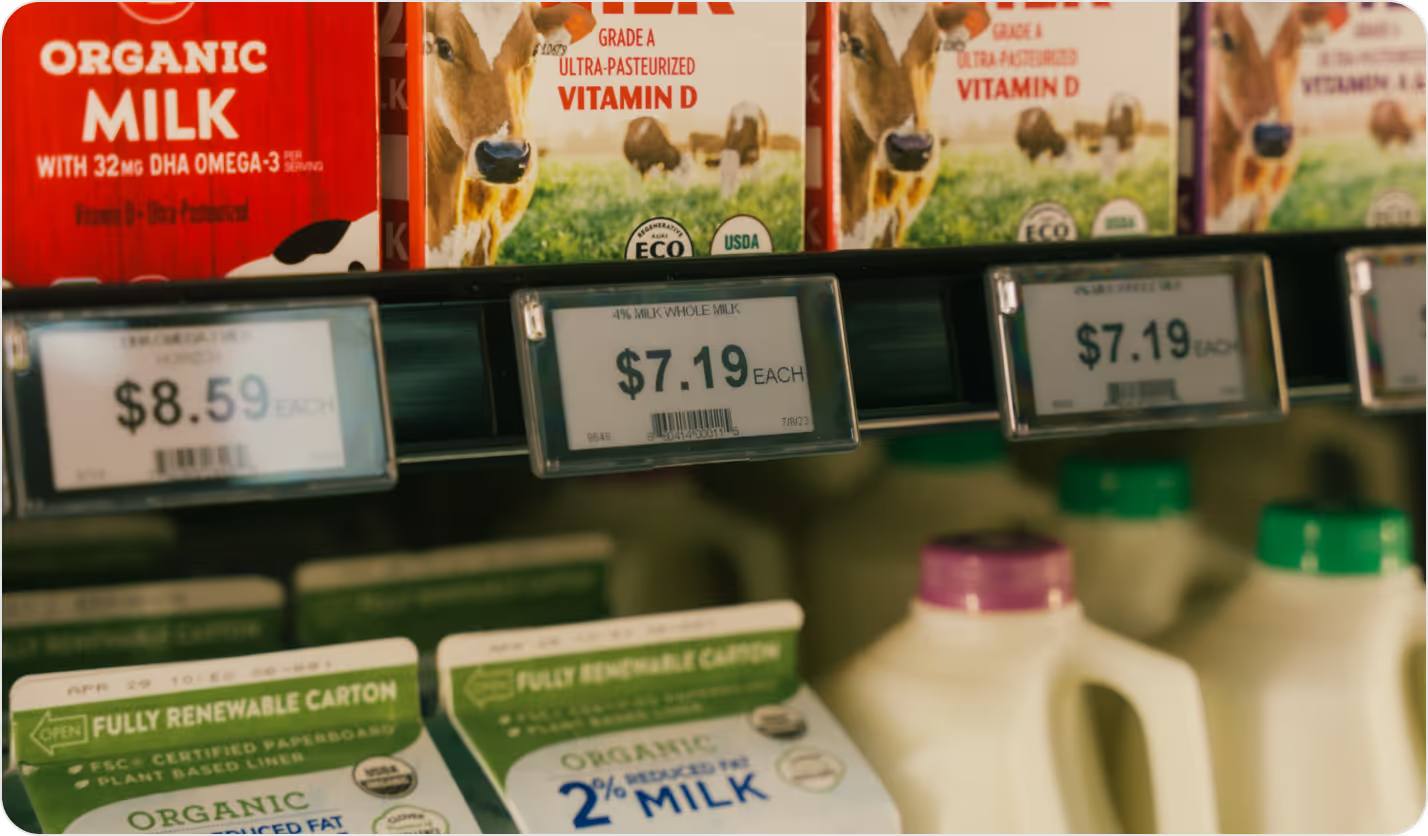
Approve a price once and it goes to your NCR registers and your shelf labels.

Order from the floor across every vendor
Scan as you walk the store and Vori splits the order by vendor, with 7-day and 30-day movement on screen.
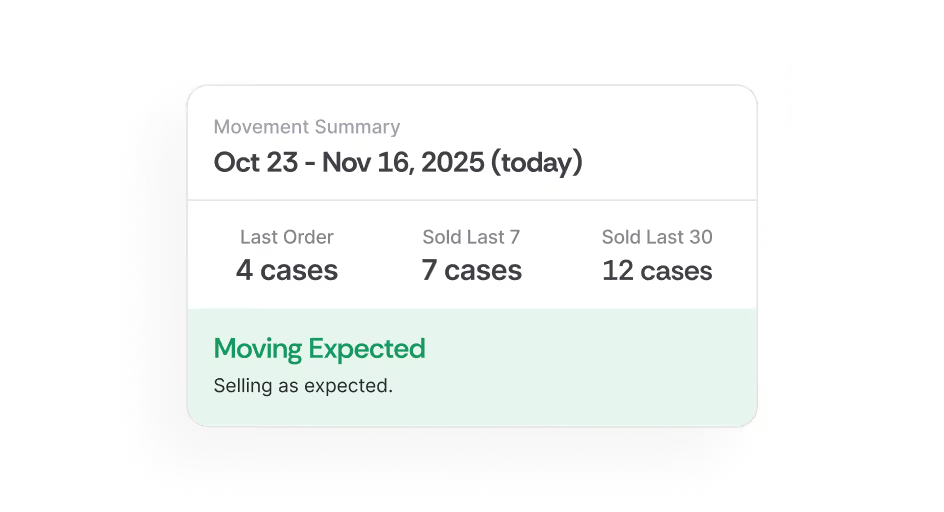
Know what's on the shelf right now
Sales, receiving, and shrink update counts as they happen, so orders start from real numbers.
Grocery back office software for every job in the store
Invoice-driven cost detection
Flag vendor cost increases and decreases as invoices are reviewed.
Margin-based price suggestions
Compare low, medium, and high margin options before you approve.
Promotions and deals
Run BOGO, mix-and-match, and TPR deals and see the basket lift.
Shelf tag design and printing
Design branded tags from templates and print them when prices change.
Multi-vendor floor ordering
Scan once in the aisle and let Vori split orders by vendor.
Invoice receiving and DSD
Verify a delivery in minutes and catch short or mispriced items on the spot.
Live inventory counts
See on-hand counts with timestamps by item or department.
Reporting from your phone
Check sales, margin, and shrink by department from anywhere.
See how your back office stacks up
Keep your front end. Run everything behind it faster.
Cost changes
Pricing
Promotions
Shelf tags
Ordering
Receiving
Inventory
AI
Reporting
Data
BRdata capabilities based on BRdata's published materials as of October 2026.
Getting started is the easy part
Three steps, and checkout keeps running the whole time.
Step 01
Connect your POS checkout
Vori links to your POS so approved prices go out and sales movement comes back.
Step 02
Bring your store in
We pull your items, vendors, and costs from your current system, so you don't start from scratch.
Step 03
Run the back office from the aisle
Order, receive, count, and reprice on a handheld while your front end rings like it always has.
Vori and your POS checkout stay in step
Approved prices
Reach every register
Sales movement
Flows back into ordering and inventory
Cost changes
Get flagged before they reach checkout
Results
Get hours and margin back every week
less time spent on weekly ordering
Talin Market
saved every week across departments
Valley Farm Market
gross margin improvement
The Market at Edgewood



Upgrade your back office without touching your front end
See how Vori fits your grocery store setup and how fast your team can get started.